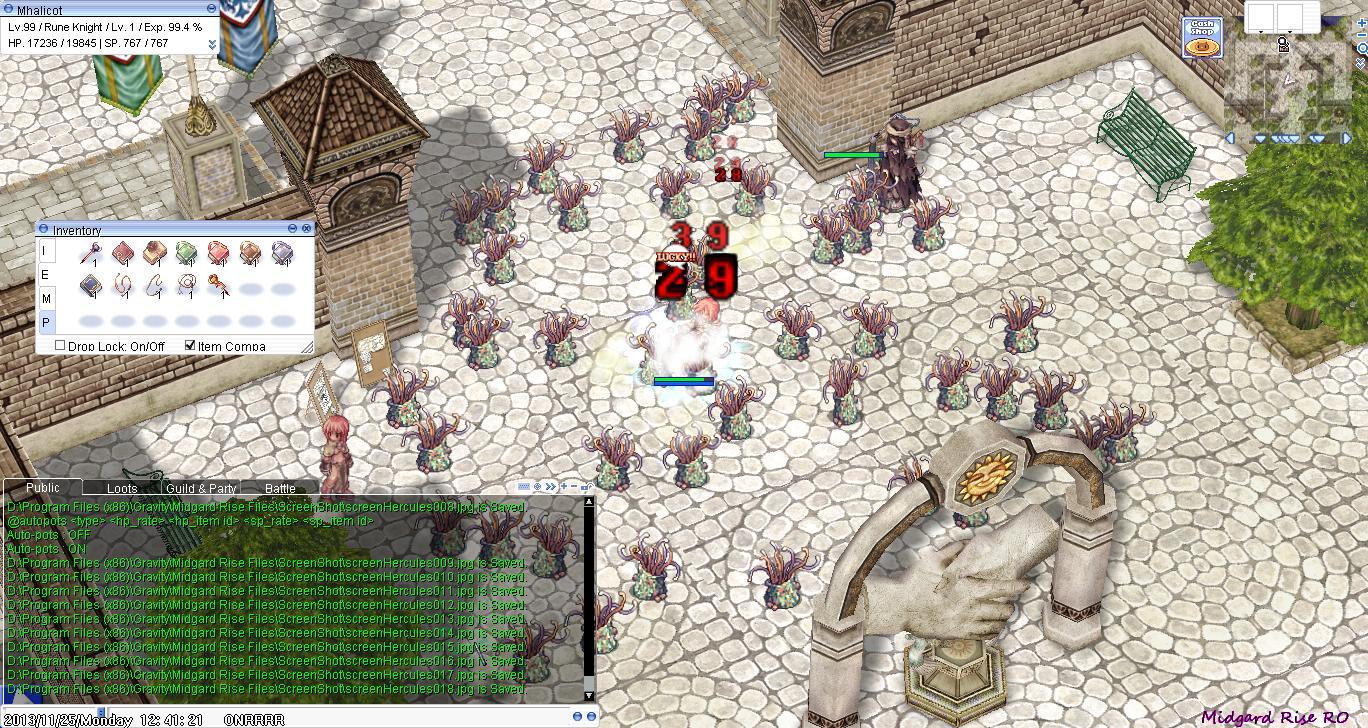
HPM autopots complete package.
Compatible with Windows System Only
if you are using Linux, ignore other files and use only autopots.c
1. Download and extract files using 7z or any application that can extract it.
2. extract it in your server directory ex: C:/RO Server/Hercules/
2.1. edit conf/plugins.conf and add autopots
3. find autopots/autopots.sln and recompile it.
4. You can now start using your ready made plugins

this is what you need to do.
In Recompiling:
If you are using other MSVS/C
Quote
@autopots 50 607 0 0
@autohp 50 607
@autosp 50 607
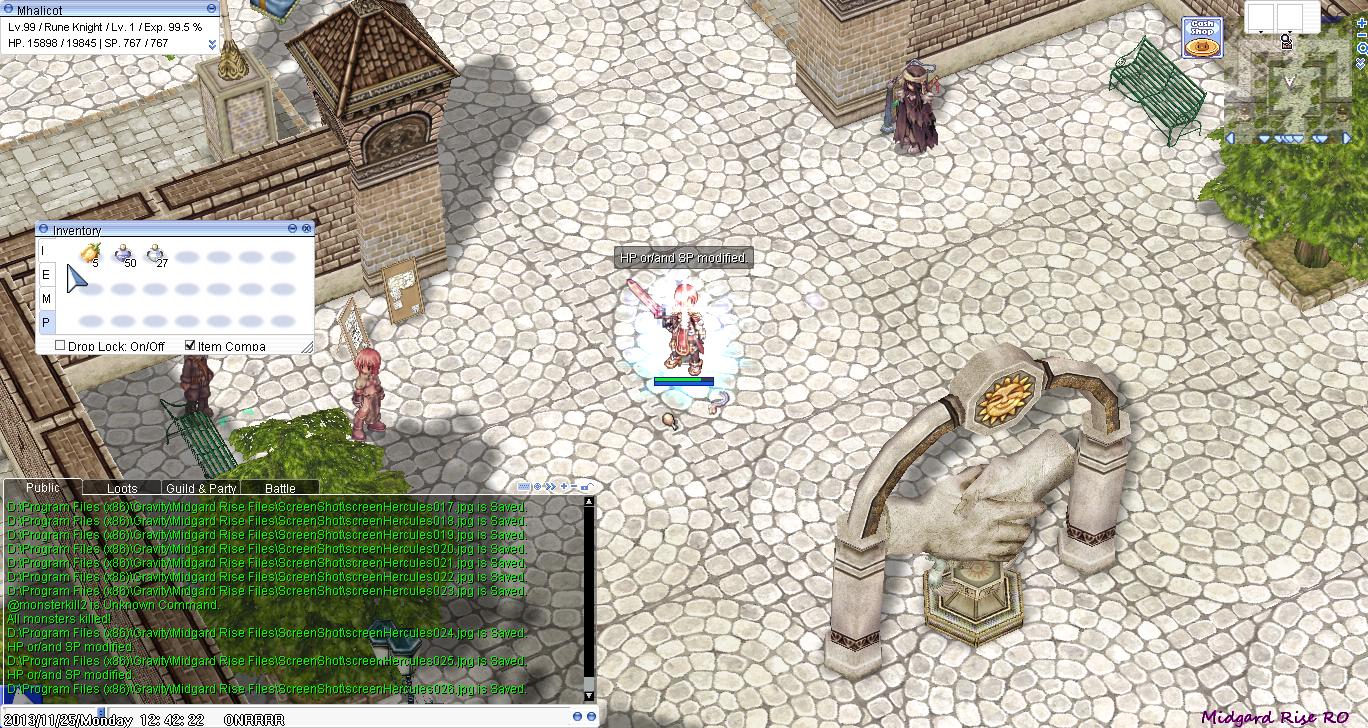
To turn it of, simply type @autopots again
If you have any questions feel free to drop a comment.
for more info on how to to use HPM visit Here
(Tested on Hercules rev. 137**)
Credit: Original file by Goddameit and converted by Me
Compatible with Windows System Only
if you are using Linux, ignore other files and use only autopots.c
Instruction.
1. Download and extract files using 7z or any application that can extract it.
2. extract it in your server directory ex: C:/RO Server/Hercules/
2.1. edit conf/plugins.conf and add autopots
3. find autopots/autopots.sln and recompile it.
4. You can now start using your ready made plugins
if you are using VS2010/VS2009/vs2013 or whatsoever and you are failing to compile because of platform issue.
this is what you need to do.
In Recompiling:
If you are using other MSVS/C
Quote
Note: Recompile if you modify the script.
if you want to use berry only type
@autopots 50 607 0 0
@autohp 50 607
@autosp 50 607
To turn it of, simply type @autopots again
If you have any questions feel free to drop a comment.
for more info on how to to use HPM visit Here
(Tested on Hercules rev. 137**)
Credit: Original file by Goddameit and converted by Me