- Content Author
- Hyvraine, KeyWorld
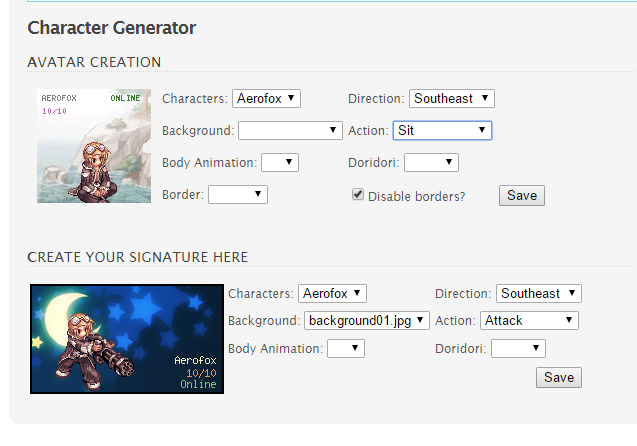
This is based on KeyWorld's [Vincent Thibault] ROChargenPHP. I just made some little tweaks to work some things out. The only difference is that it's made into a FluxCP addon instead of having it on a different folder, so you don't have to write down your server's credentials again.

I have only tested this yet on the latest Herc FluxCP so, uhm, you know, try not to ask for installation help on rA Flux just yet.

I'm going to upload the sprite.grf soon so look out for edit/s on this post for the link.
Installation
1. After extracting the ZIP file inside the addons folder, put your own GRFs inside '
addons\chargen\modules\chargen\client'. And also, edit the DATA.ini to list your GRFs.
2. You're good to go!
3. There are some settings inside the addon.php (addons\chargen\config\addon.php):
This line changes the cache time for your avatar's status.
These are the default backgrounds/border for your avatar/signature in case you didn't click on any of them in the creation menu.
You can have your custom INI, just make sure you edit the name here.
Like on KeyWorld's thread, setting this to true would have an improvement on speed as it's not looking inside the GRFs again and again.
These are the file types that the addon will read inside the backgrounds/borders folder.
You can also edit the default values but it's very unlikely that it will ever be needed at some point.
-------------
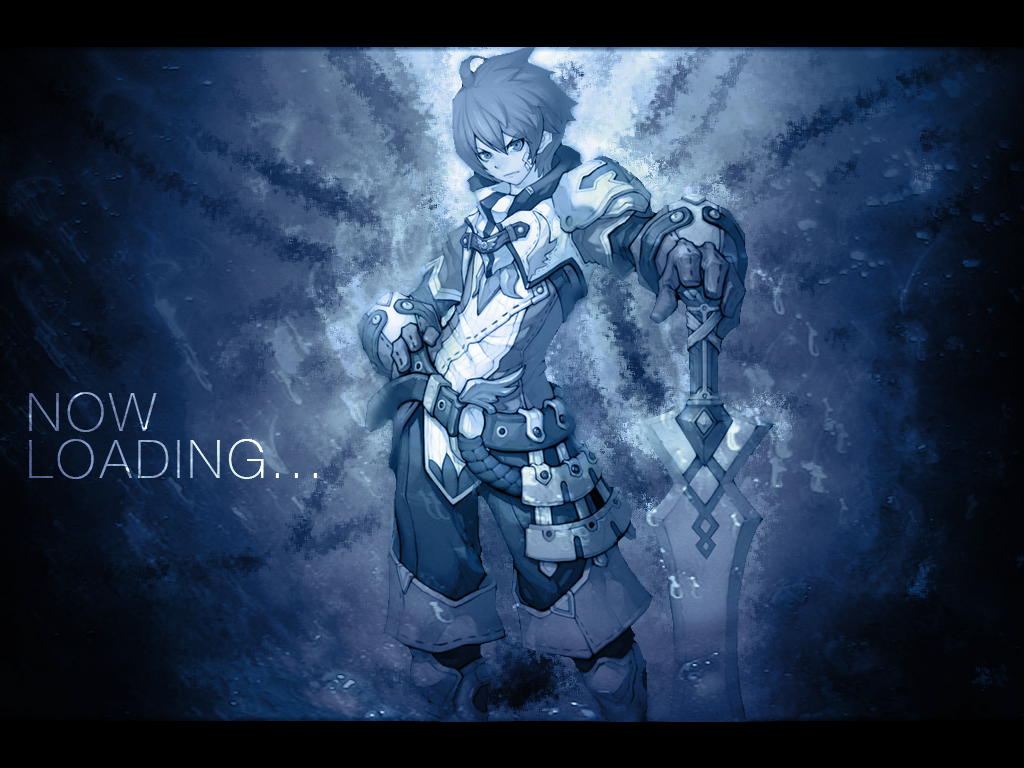
To add more backgrounds for the avatar creation just simply add them inside the dedicated folder for it: 'addons\chargen\modules\chargen\data\avatar\background'
To add more borders for the avatar creation simply add them inside the borders folder: 'addons\chargen\modules\chargen\data\avatar\border'
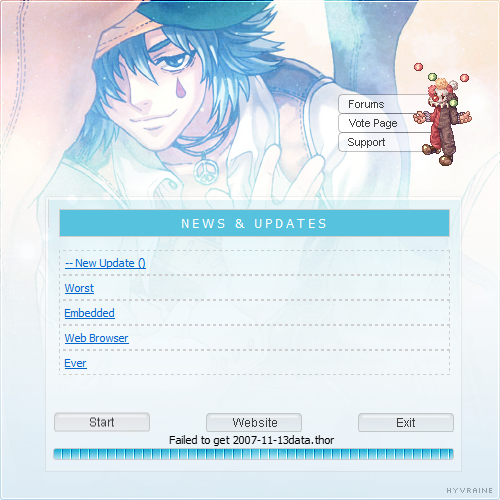
The same is also for the signatures (it's on addons\chargen\modules\chargen\data\signature). I'll add support for borders soon but I think you could just edit the background for the meantime. /no1
And I think that's all you need to know! Everything should be working now, and if it isn't don't hesitate to ask. Please report bugs too, I know it's not written that well. :/
License is the same as the original: http://creativecommons.org/licenses/by-nc-sa/3.0/
Notes:
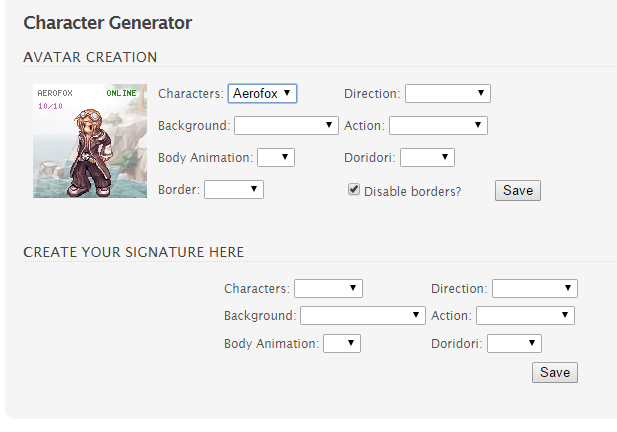
I have only tested this yet on the latest Herc FluxCP so, uhm, you know, try not to ask for installation help on rA Flux just yet.
I'm going to upload the sprite.grf soon so look out for edit/s on this post for the link.
Installation
1. After extracting the ZIP file inside the addons folder, put your own GRFs inside '
addons\chargen\modules\chargen\client'. And also, edit the DATA.ini to list your GRFs.
2. You're good to go!
3. There are some settings inside the addon.php (addons\chargen\config\addon.php):
This line changes the cache time for your avatar's status.
Code:
'ChargenCacheTime' => 0.1, ////In minutes
Code:
'default_avaBG' => "background00.jpg", //Default Avatar Background BG'default_avaBD' => "border.png", //Default Avatar Border'default_sigBG' => "background01.jpg",
Code:
'Data_INI' => "DATA.INI",
Code:
'AutoExtract' => true,
Code:
'supported_filetypes' => array('gif','jpg','jpeg','png'), //List of supported filetypes for background and border.-------------
To add more backgrounds for the avatar creation just simply add them inside the dedicated folder for it: 'addons\chargen\modules\chargen\data\avatar\background'
To add more borders for the avatar creation simply add them inside the borders folder: 'addons\chargen\modules\chargen\data\avatar\border'
The same is also for the signatures (it's on addons\chargen\modules\chargen\data\signature). I'll add support for borders soon but I think you could just edit the background for the meantime. /no1
And I think that's all you need to know! Everything should be working now, and if it isn't don't hesitate to ask. Please report bugs too, I know it's not written that well. :/
License is the same as the original: http://creativecommons.org/licenses/by-nc-sa/3.0/
Notes:
- This does not generate head-only, nor monsters, nor character-only images.