

* Blaze *
New member
- Messages
- 110
- Points
- 0
- Emulator
If this is the first time you have logged into your server through this manner, you will be prompted to accept the identification of this server. Once you do this and are logged in, perform the following commands to reset the administrator password.
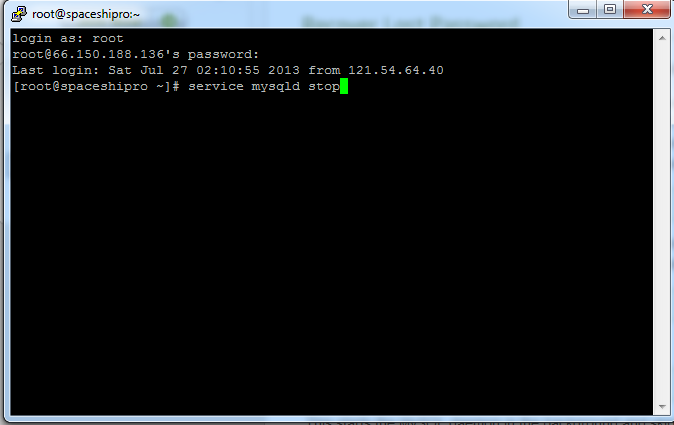
Step.1
[SIZE=small]#service mysqld stop[/SIZE]
[SIZE=small]Step.2[/SIZE]
[SIZE=small]#/usr/bin/mysqld_safe --skip-grant-tables &[/SIZE]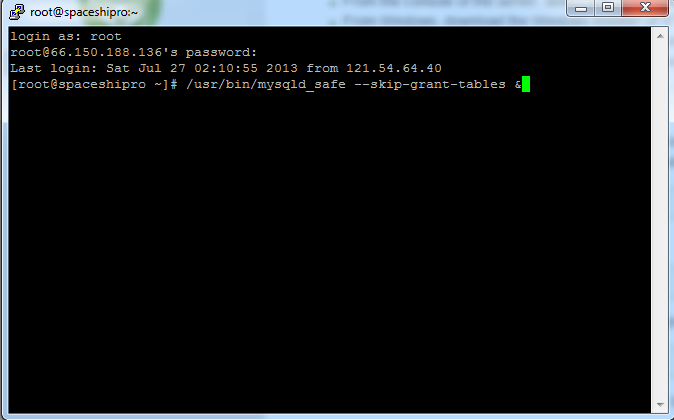
This starts the MySQL daemon in the background and skips the authentication mechanisms.
[SIZE=small]Step.3[/SIZE]
#mysq
[SIZE=small][/SIZE]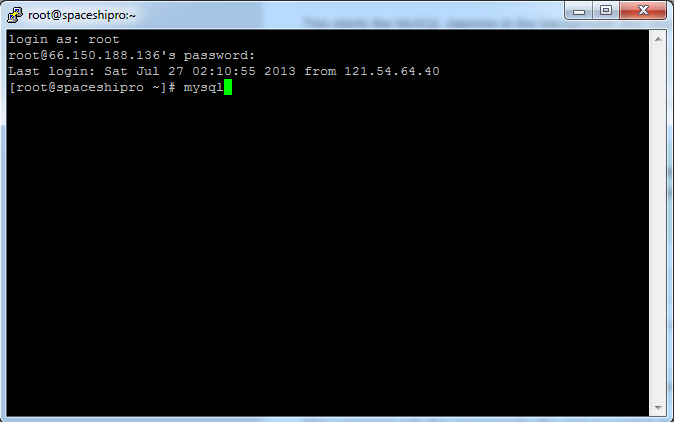
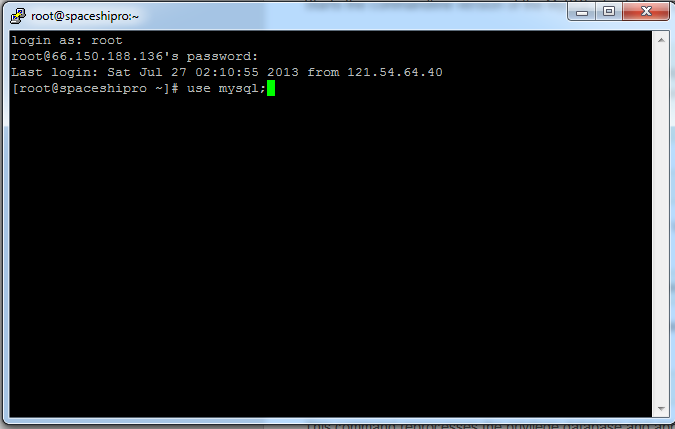
[SIZE=small]Step.4[/SIZE]
#use mysql;
Step.5
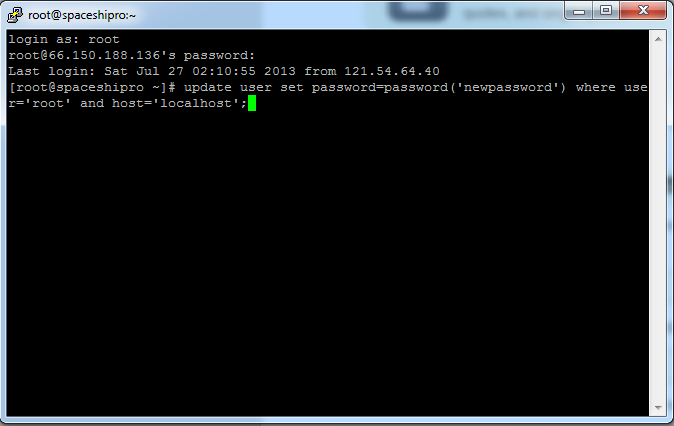
#update user set password=password('newpassword') where user='root' and host='localhost';
Step.6
[SIZE=small]#flush privileges;[/SIZE]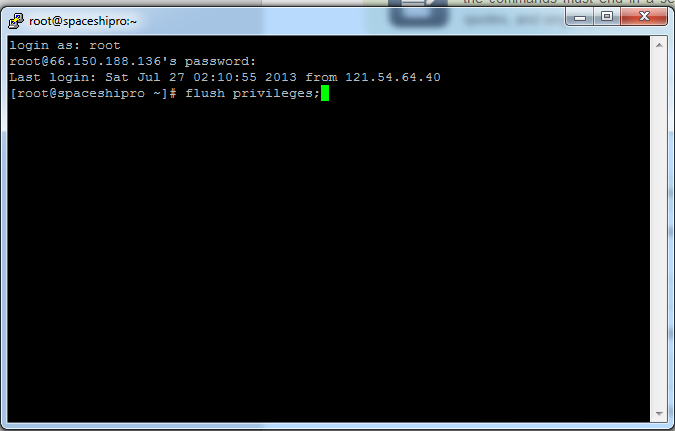
[SIZE=small]Step.7[/SIZE]
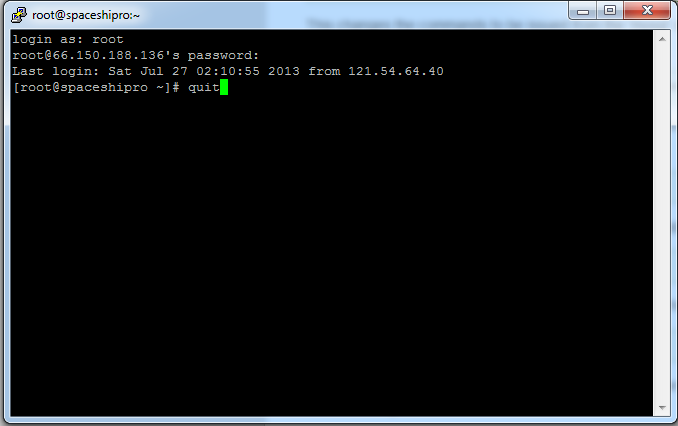
#quit
Step.8
#service mysqld stop
[SIZE=small][/SIZE]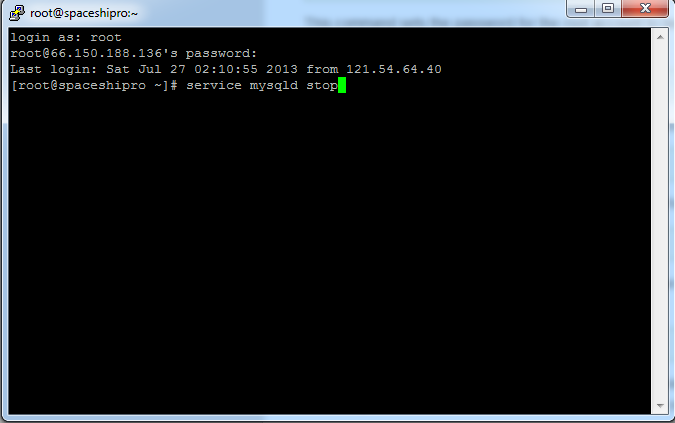
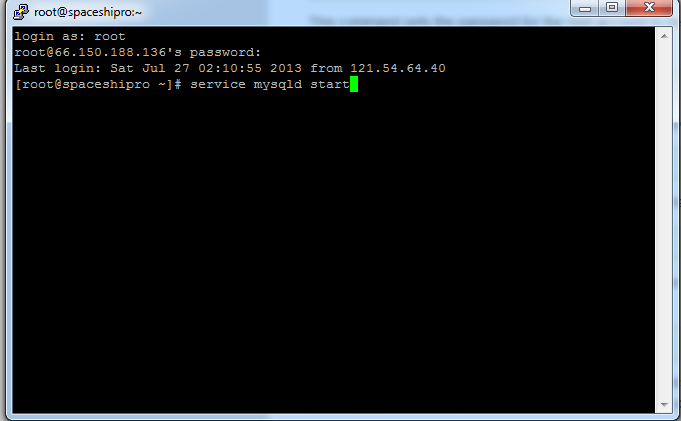
Step.9
#service mysqld start
Step.10
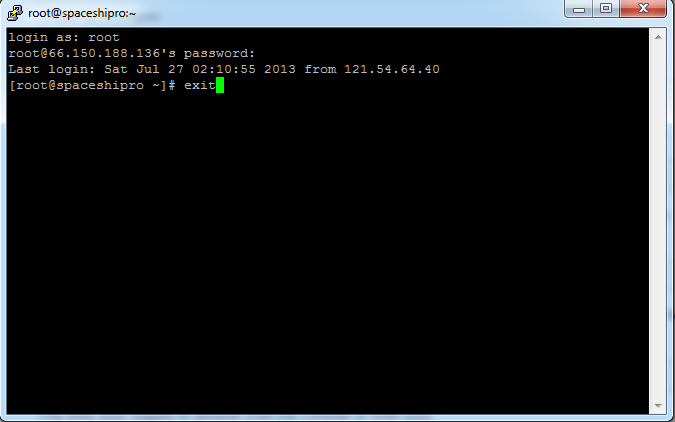
#exit
Dev Blaze ™
Last edited by a moderator: