

Mina-chan
New member
- Messages
- 4
- Points
- 0
Hii! This is a map I finished back in May, after months of working on it. It's also the very first map that I've made.
As the title says, it's based on the Hakurei Shrine from Touhou! Although with some variations to make it even more explorable!
It has several custom retextured objects, as well as many places to explore! Specially thought for romantic or relaxing purposes ^^
It has a touristic area, an Onsen or Thermal Open Bath, and much more! (As you can see in the previews.
View attachment 20769
Previews
As the title says, it's based on the Hakurei Shrine from Touhou! Although with some variations to make it even more explorable!
It has several custom retextured objects, as well as many places to explore! Specially thought for romantic or relaxing purposes ^^
It has a touristic area, an Onsen or Thermal Open Bath, and much more! (As you can see in the previews.
View attachment 20769
Previews
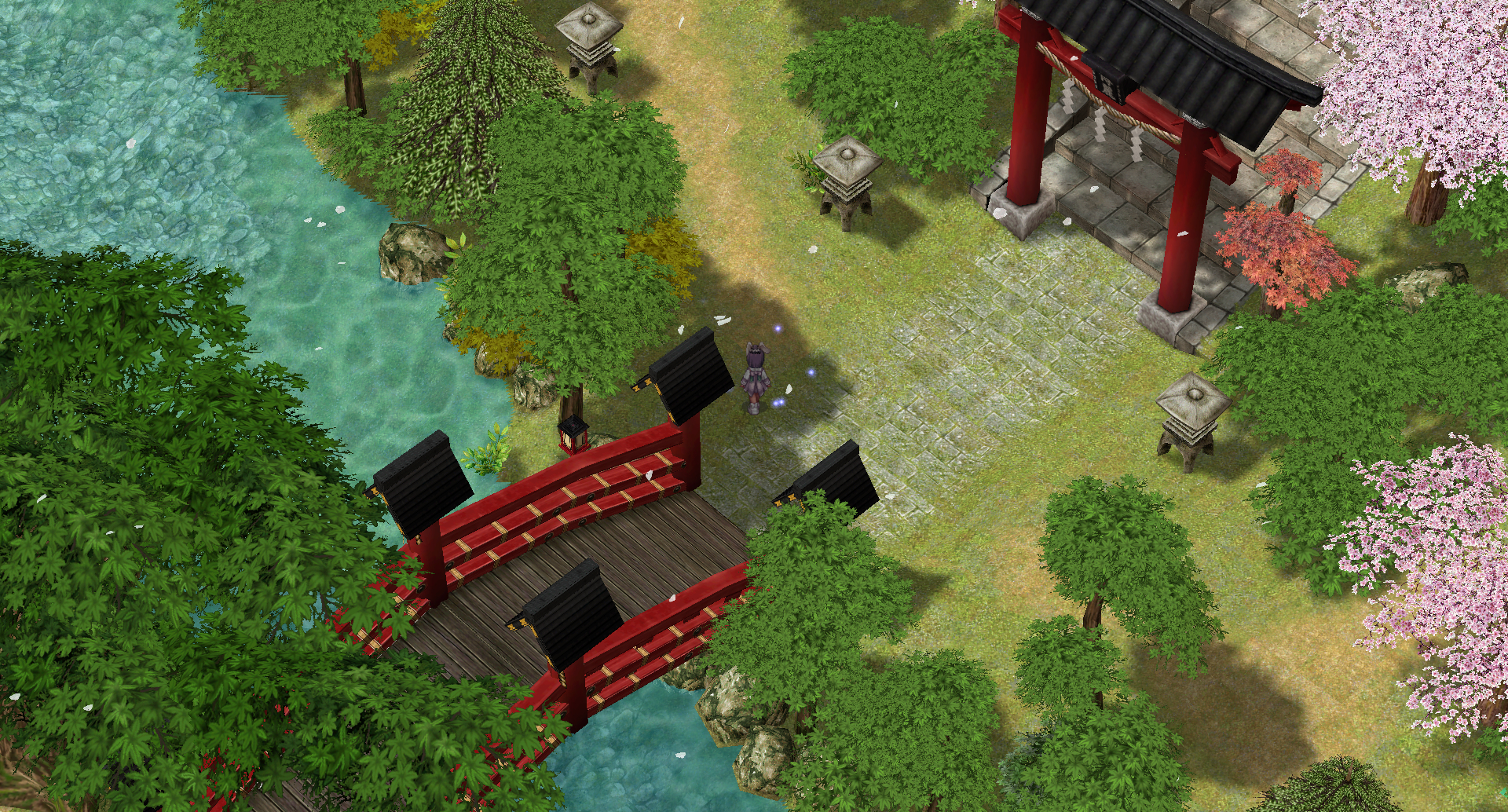
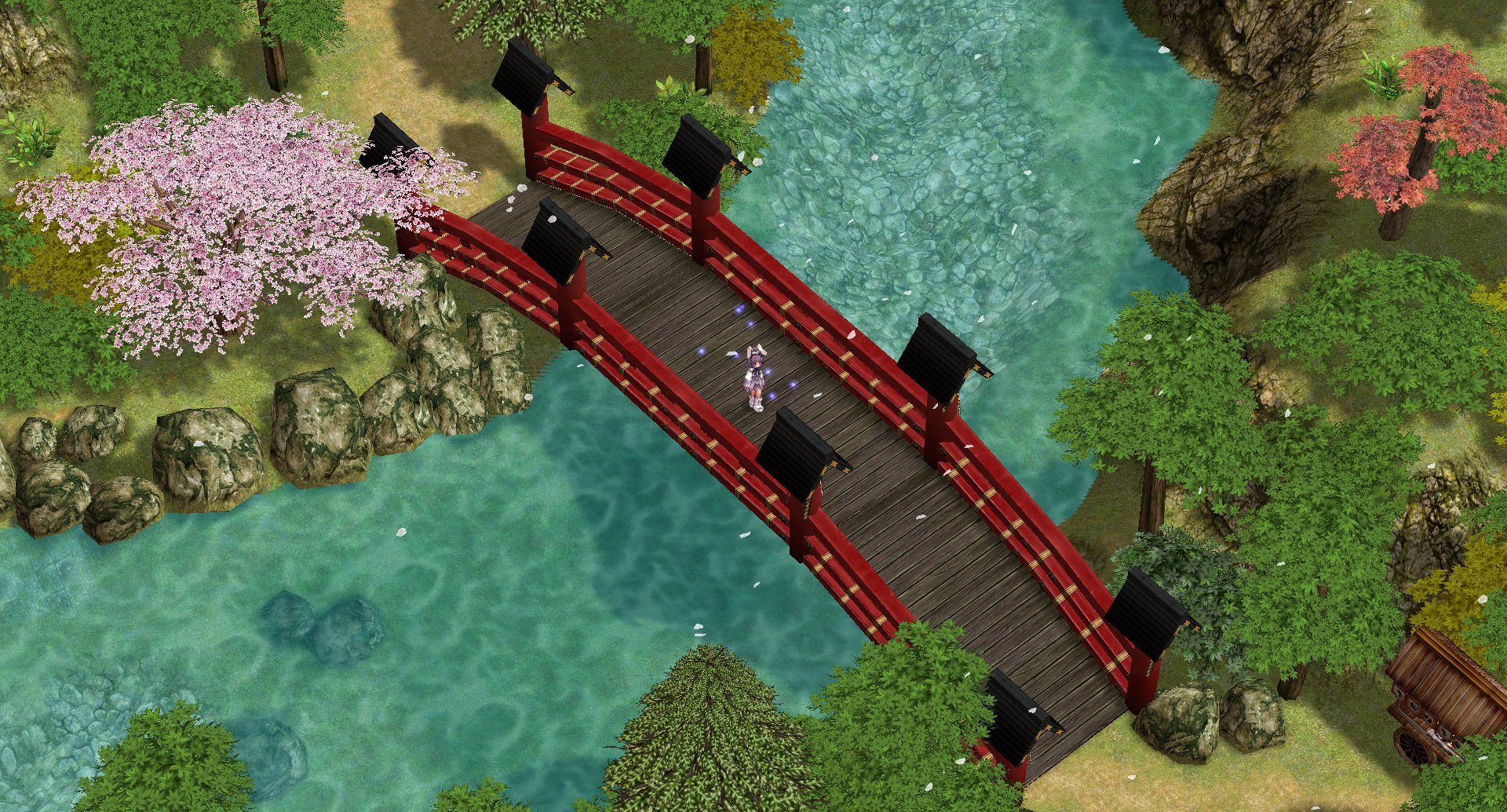
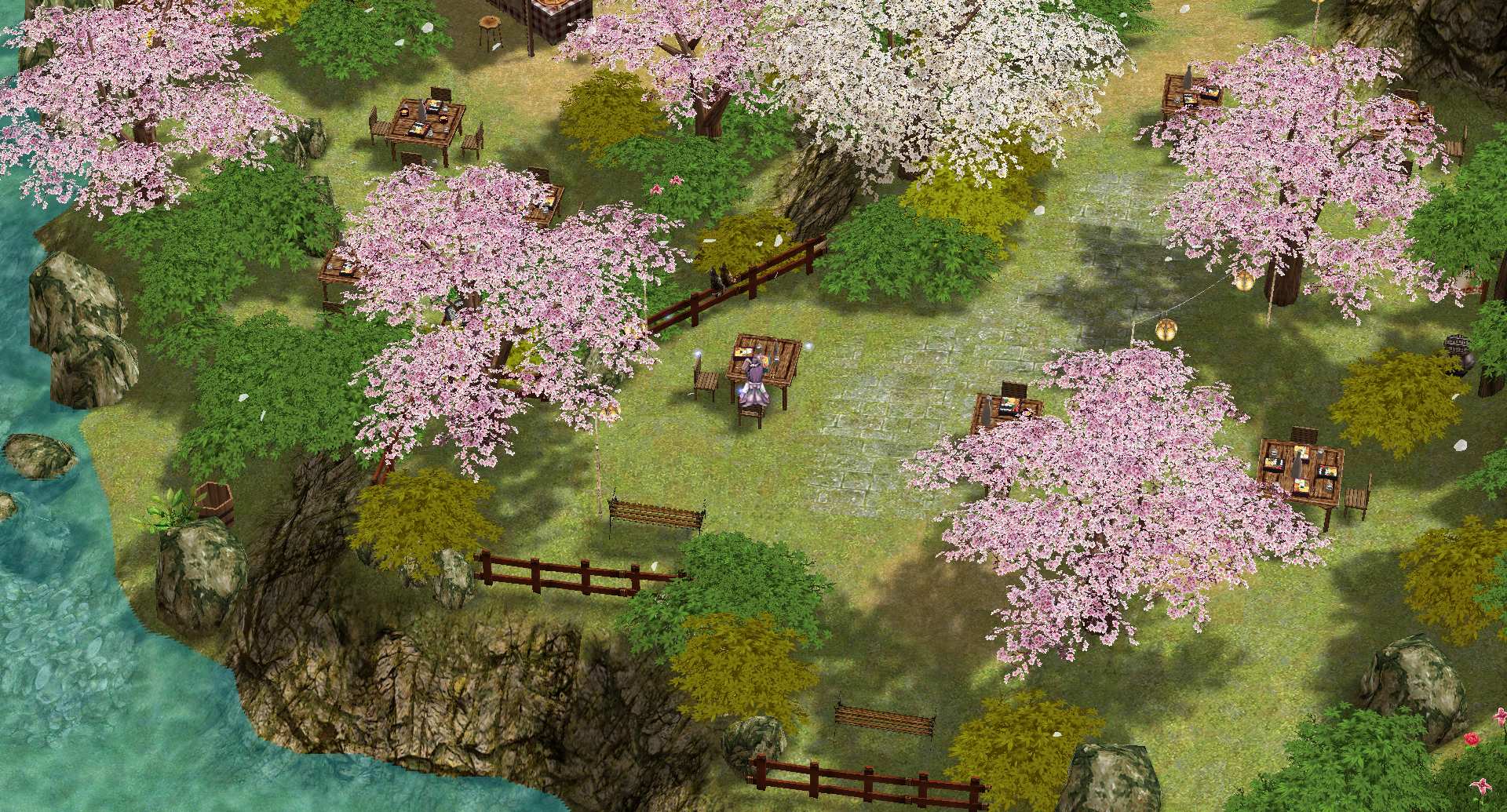
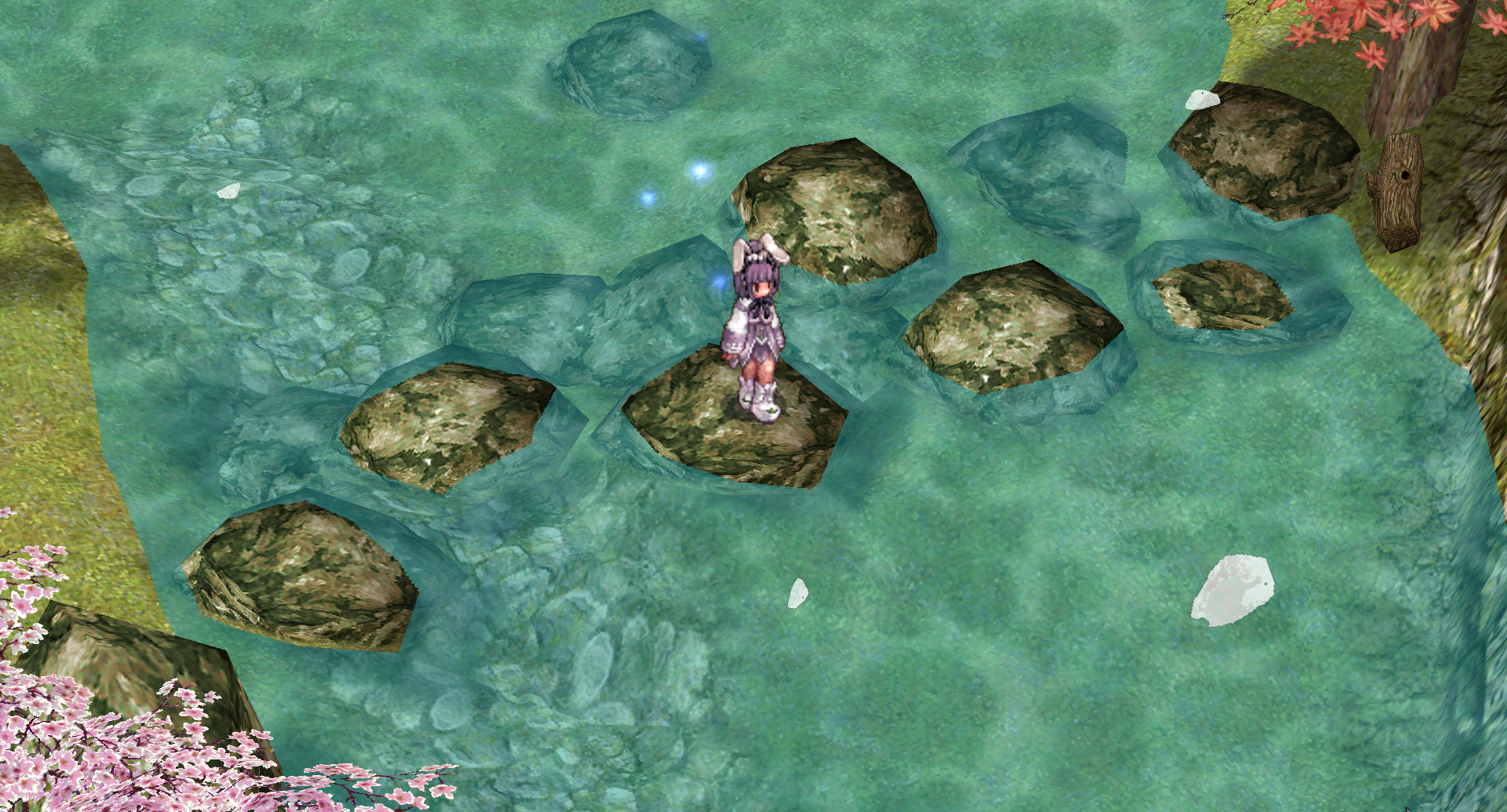
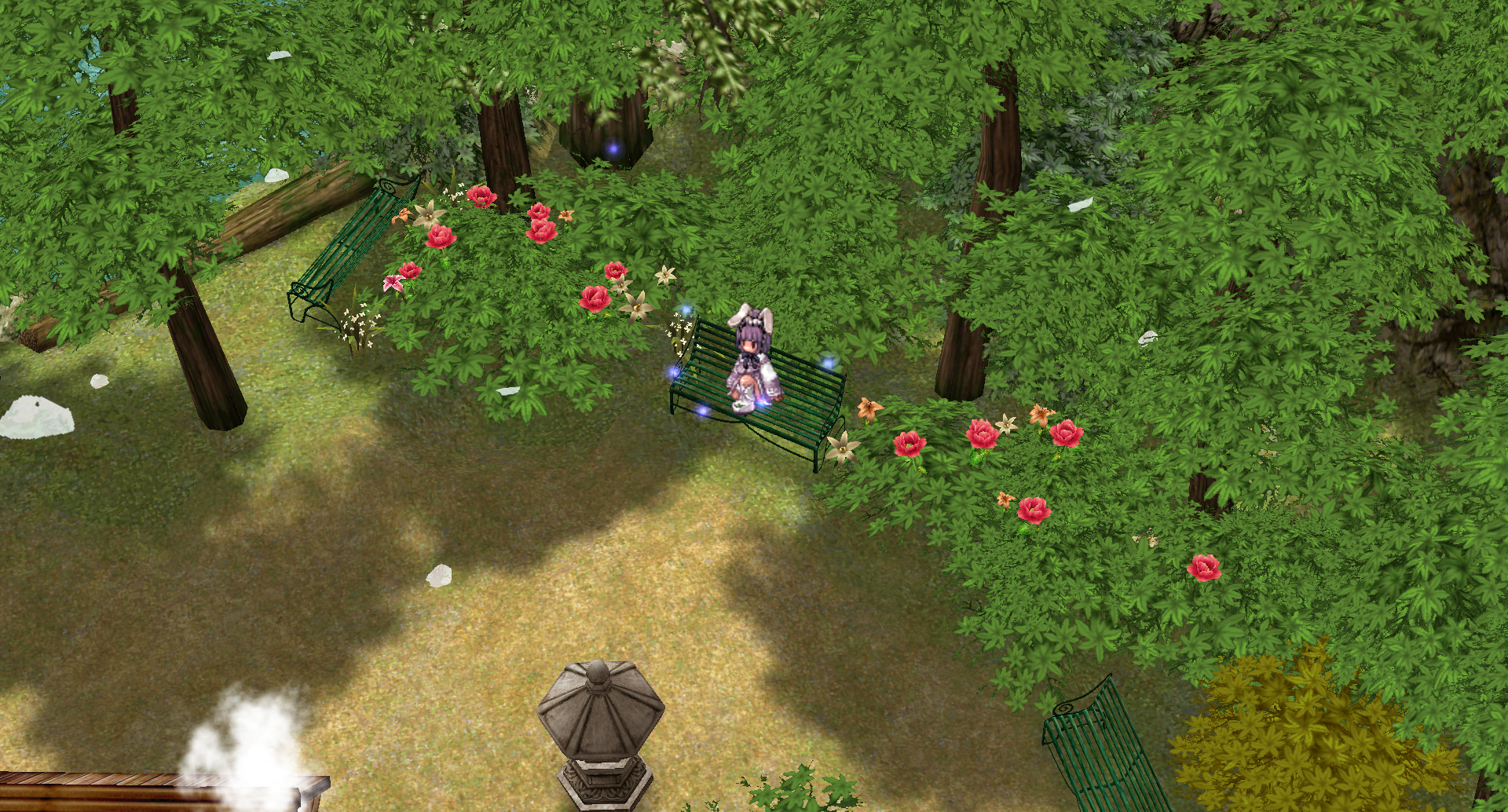
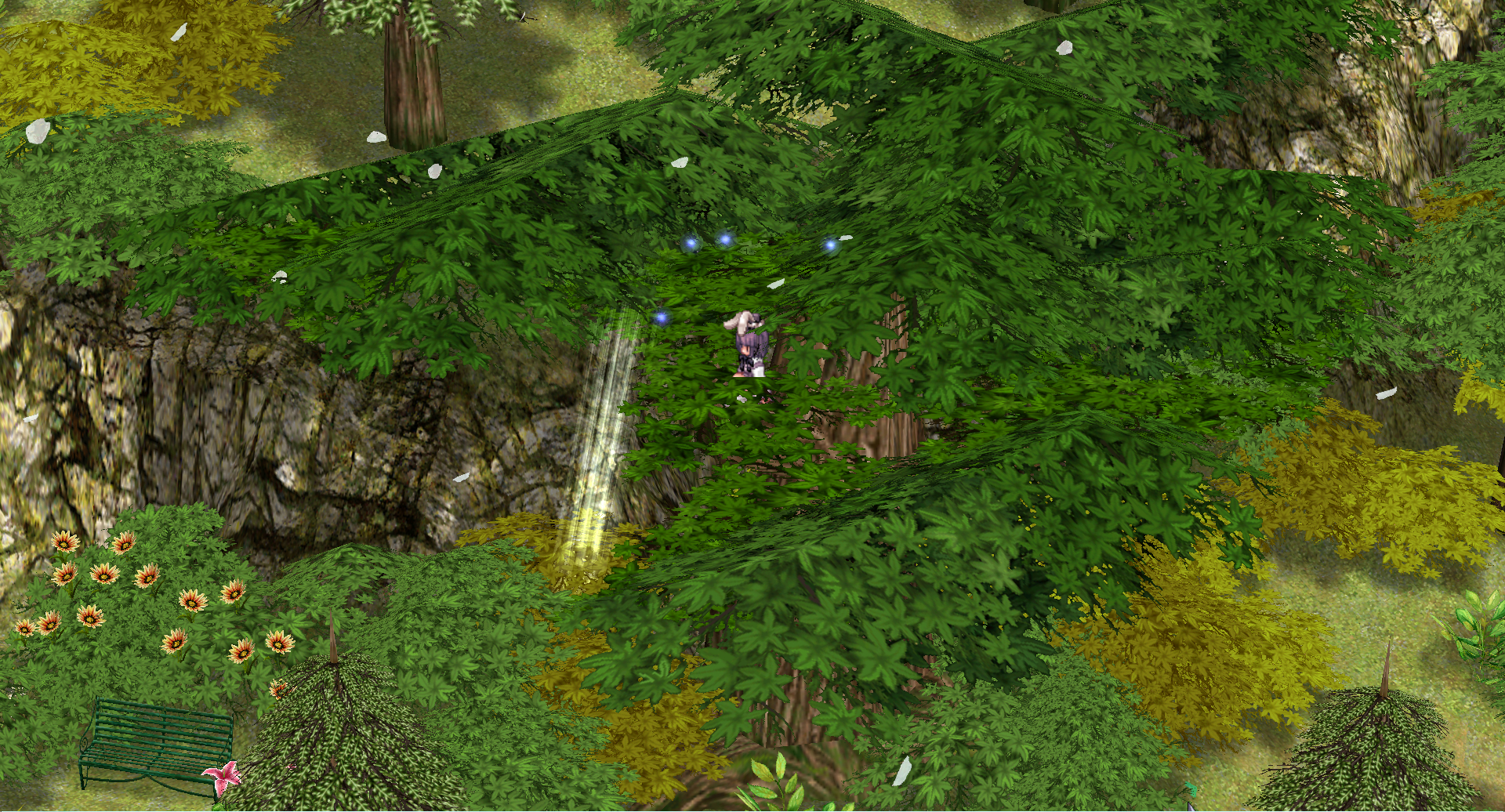
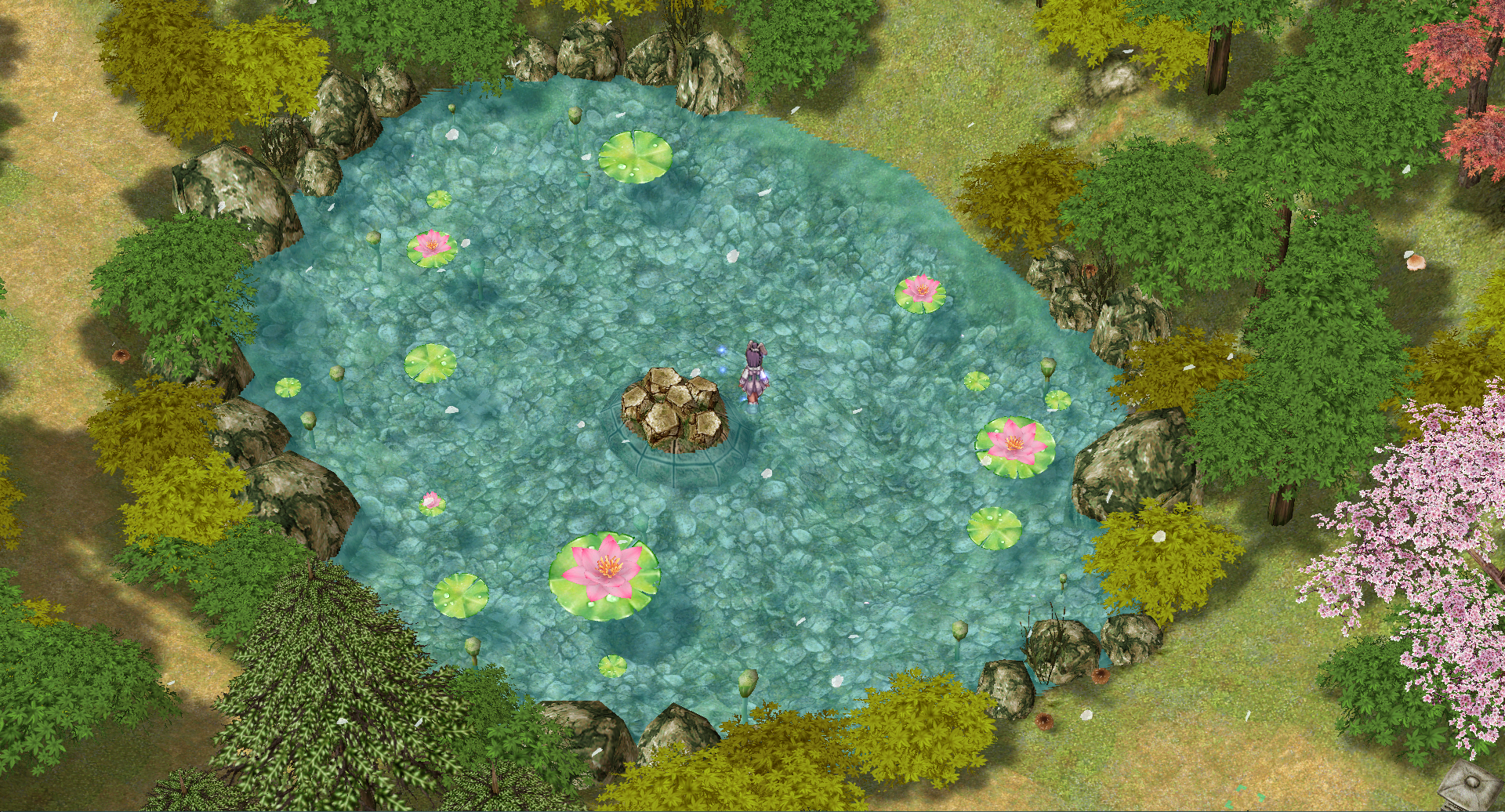
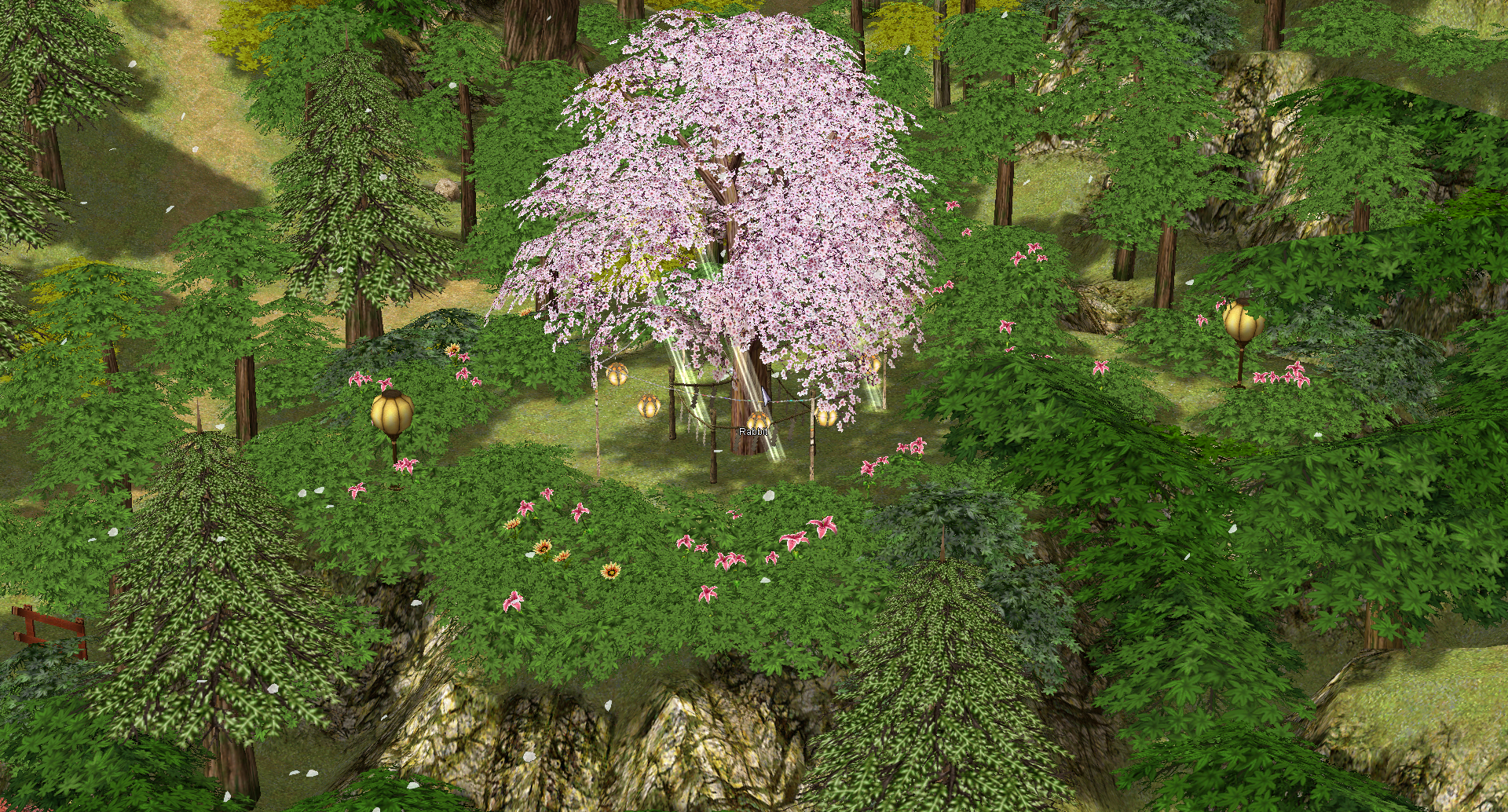
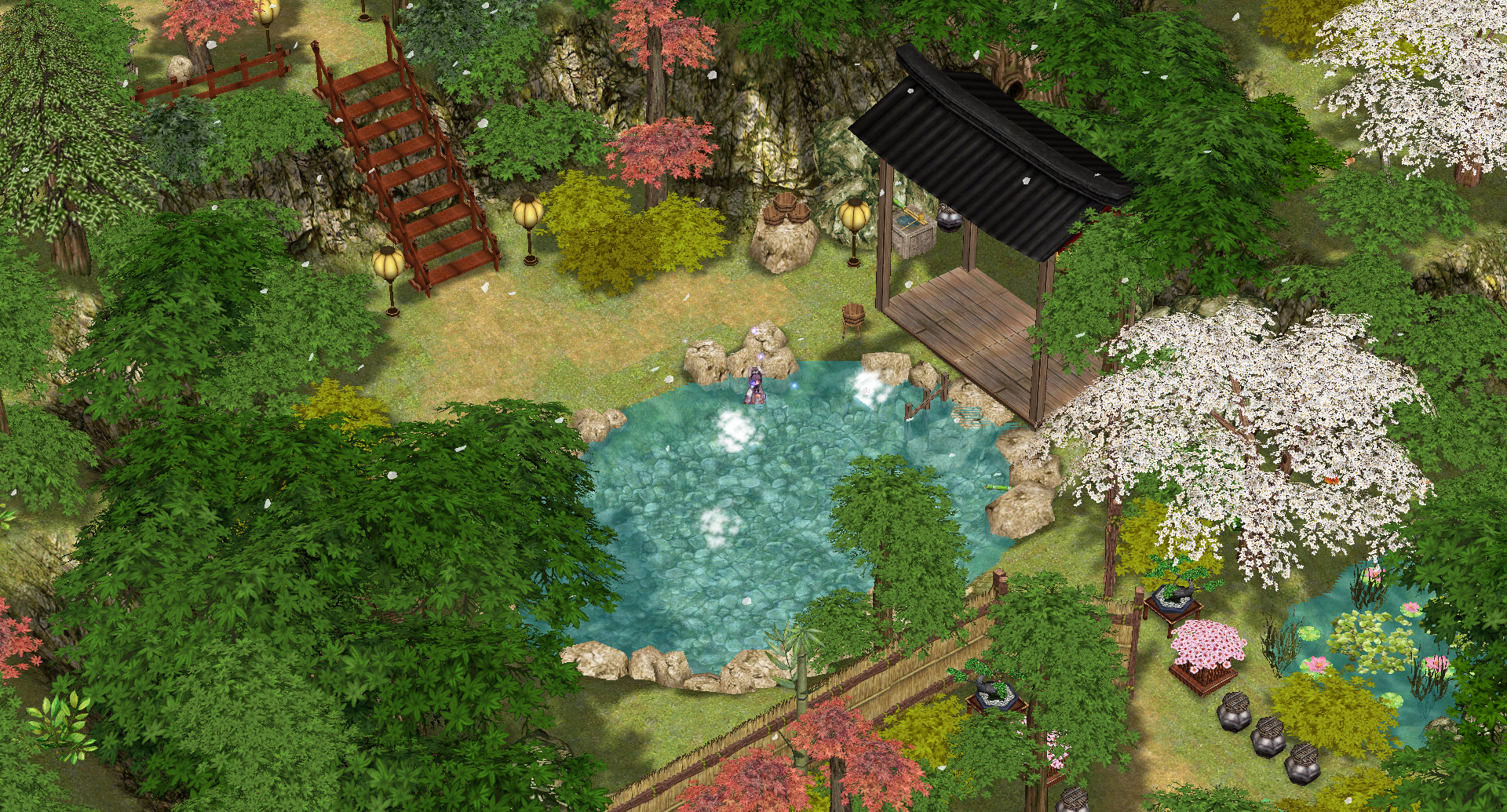
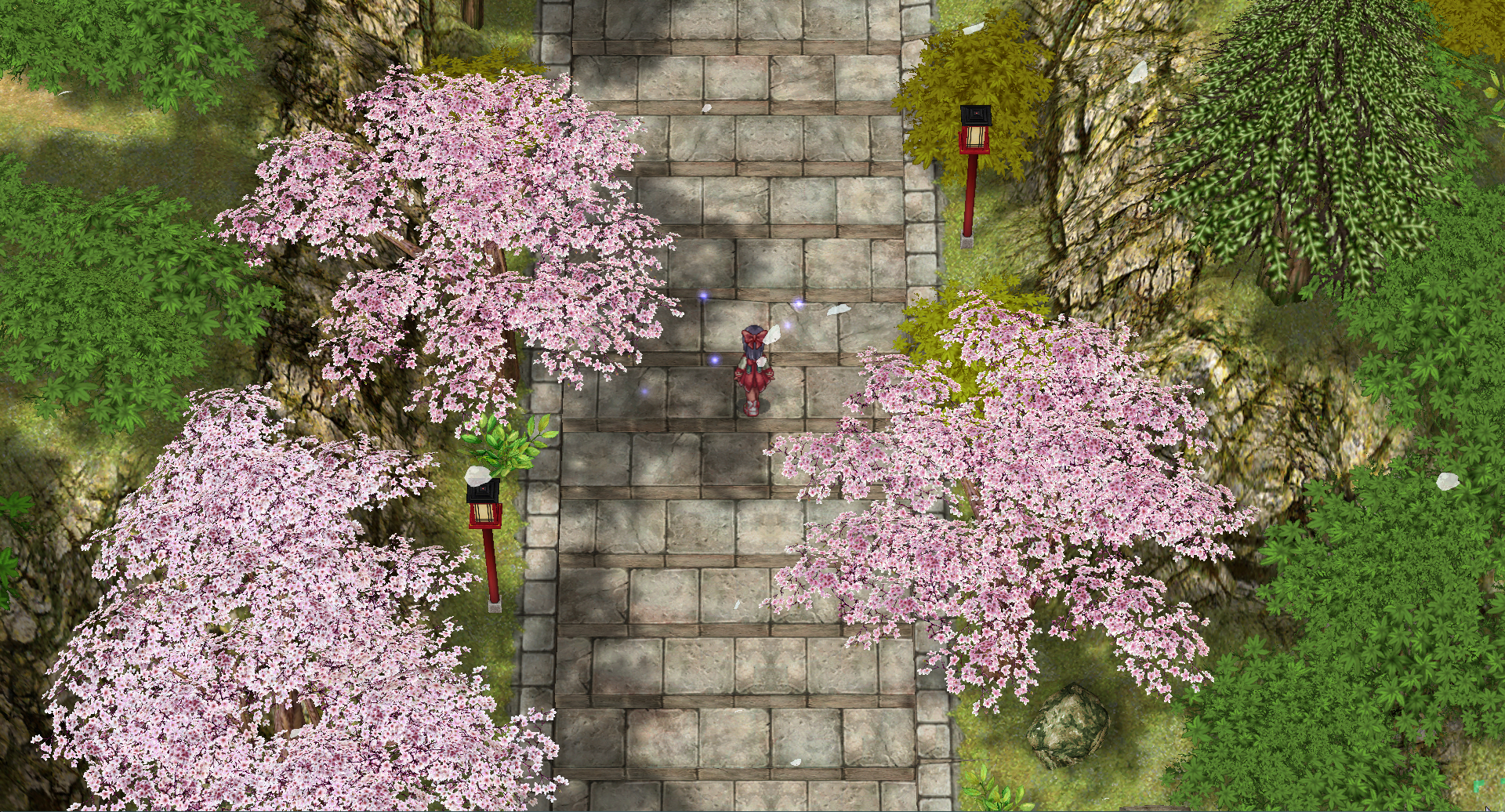
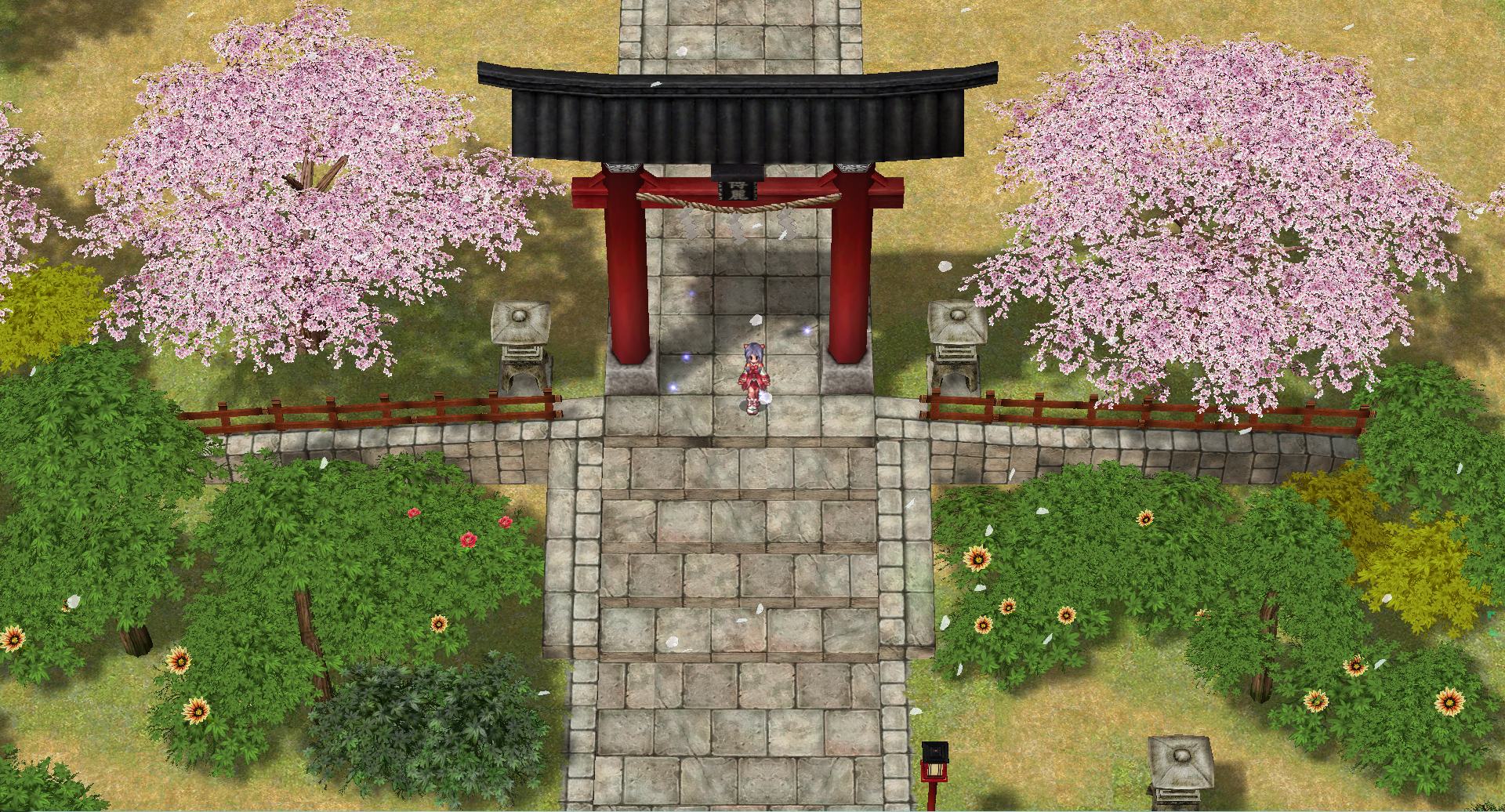
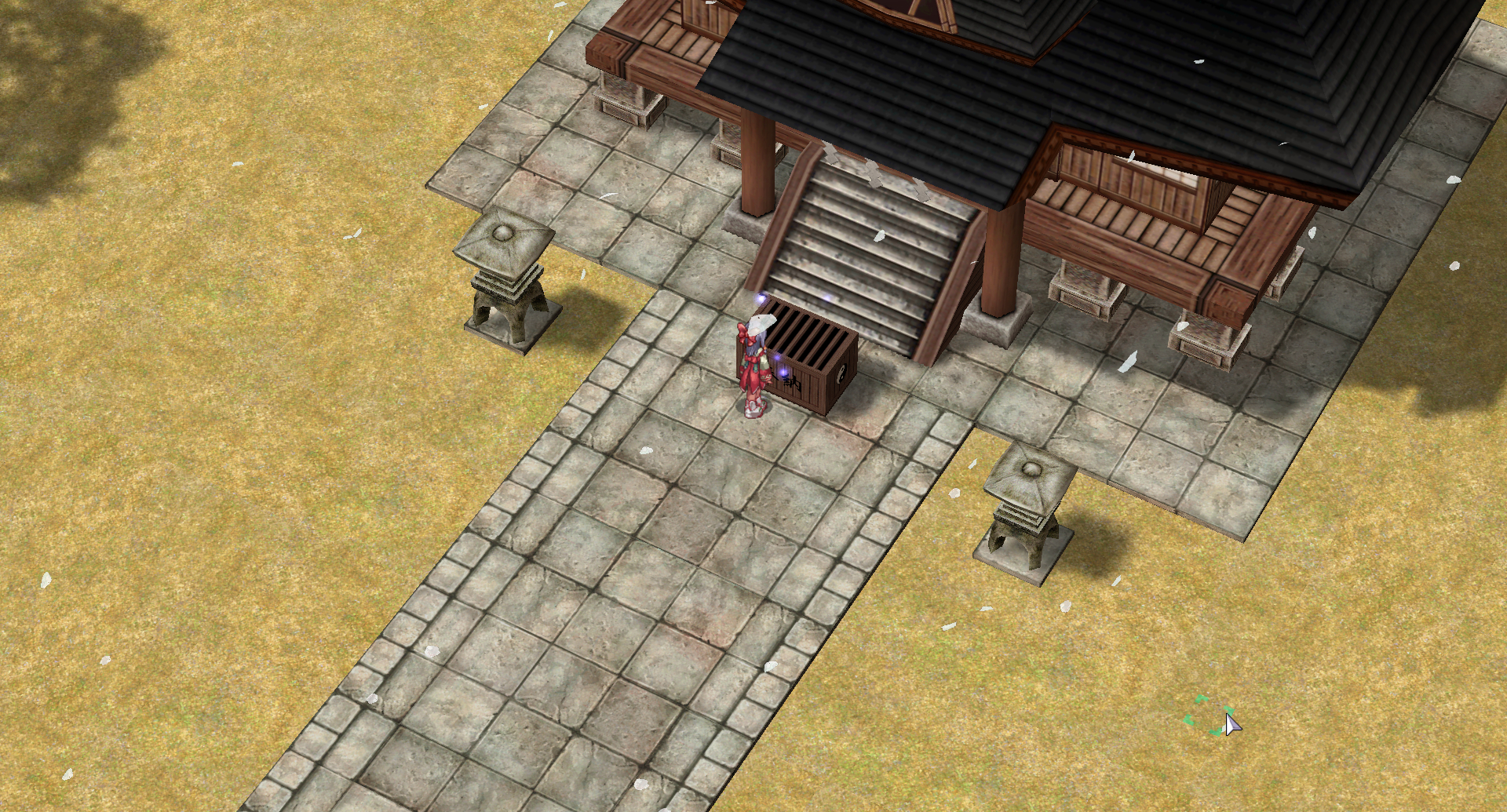
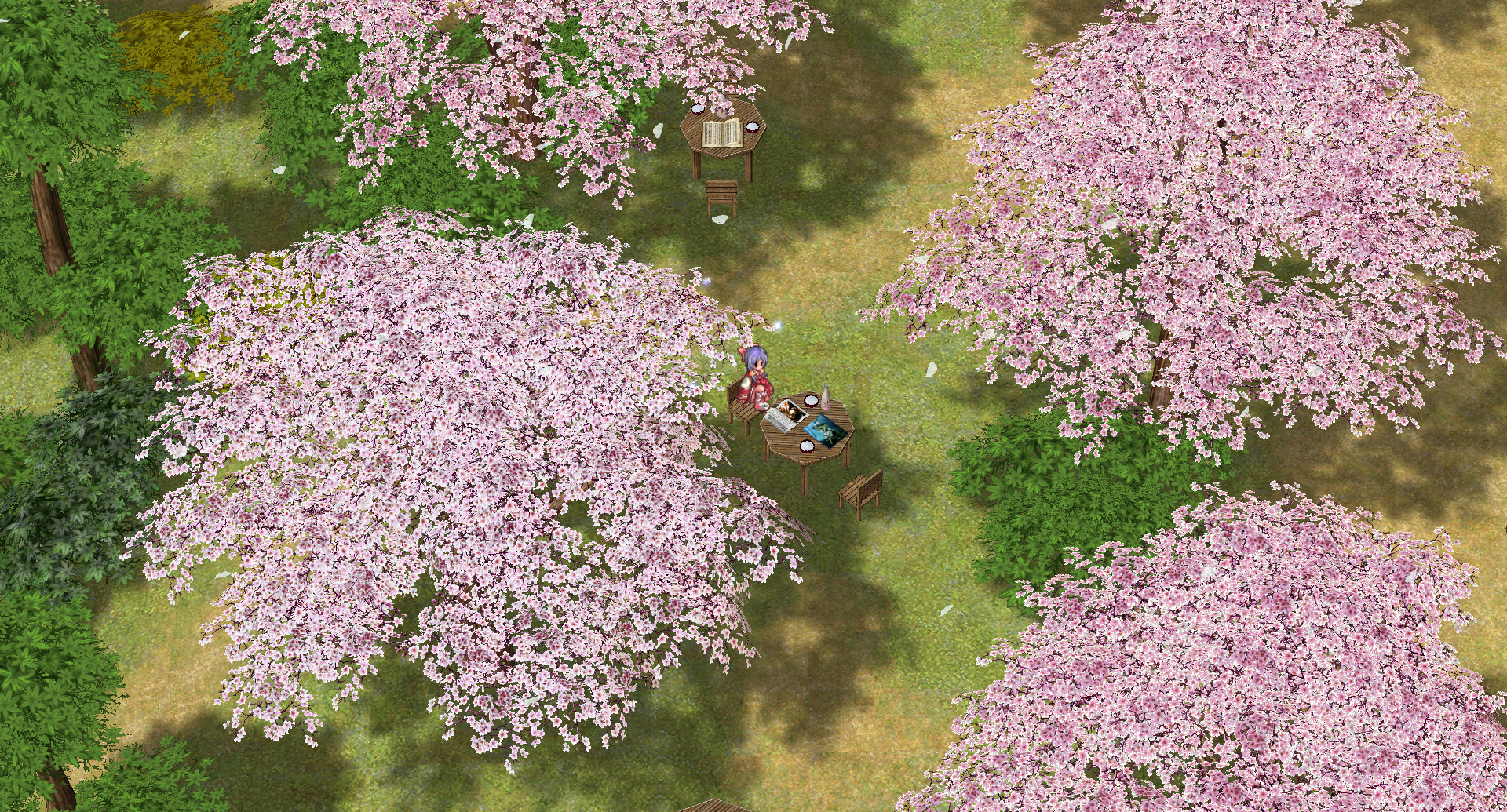
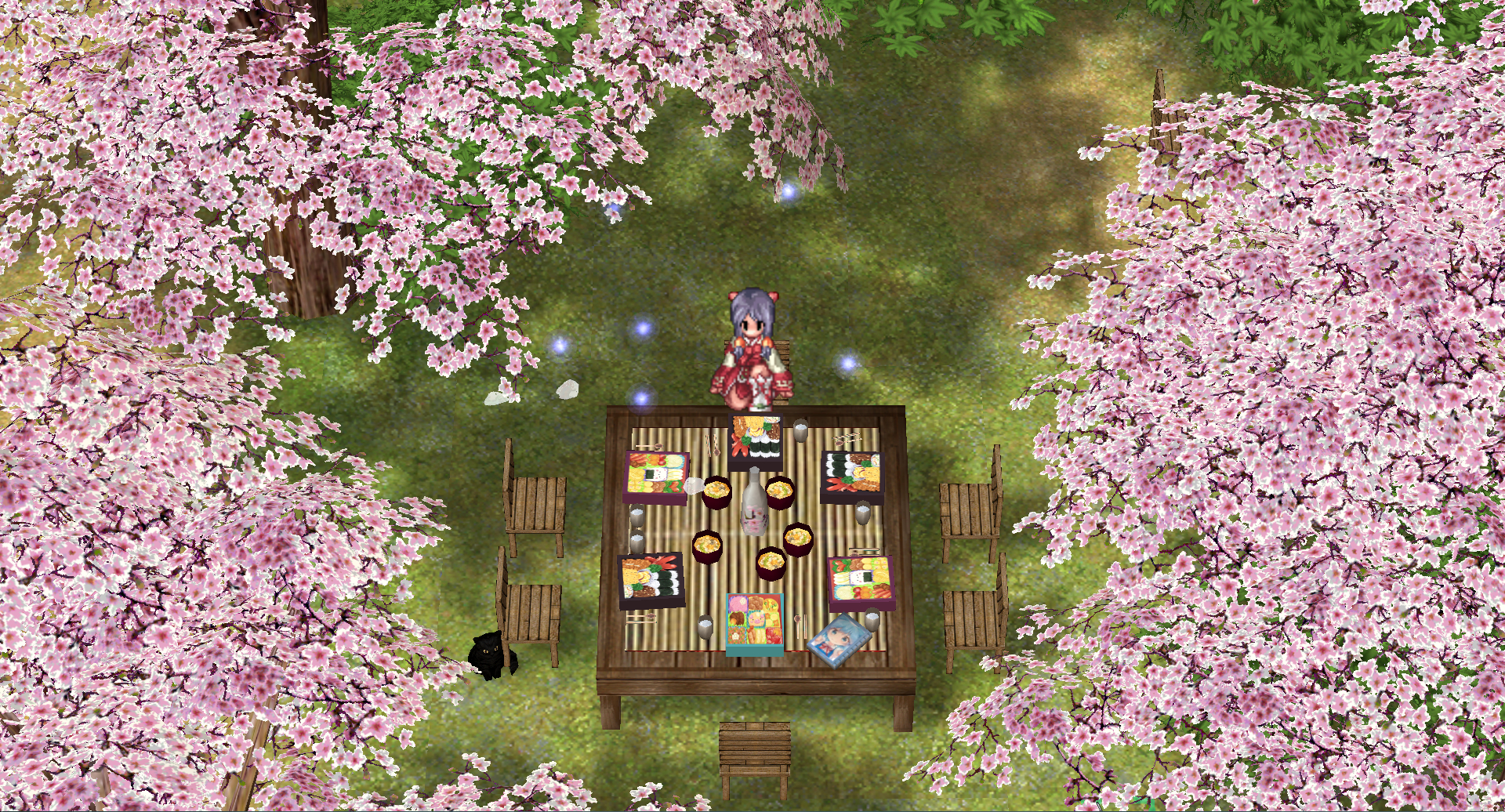
☆○o 。Ver 1.5 。o○☆
The map is currently in Ver. 1.5. It has had several fixes and improvements since it was first showcased in Rathena, such as some wrong shadows and objects positions fixed. Also, now it has ground colouring, so certain parts now look better:
The map is currently in Ver. 1.5. It has had several fixes and improvements since it was first showcased in Rathena, such as some wrong shadows and objects positions fixed. Also, now it has ground colouring, so certain parts now look better:
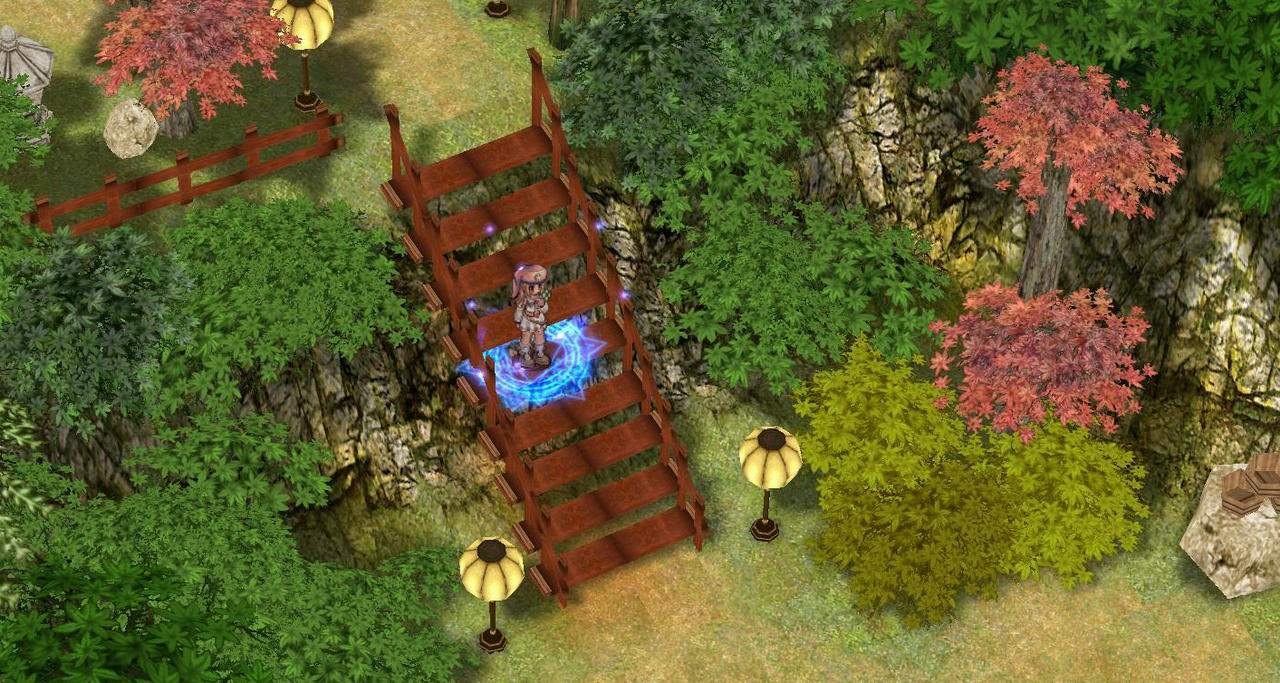
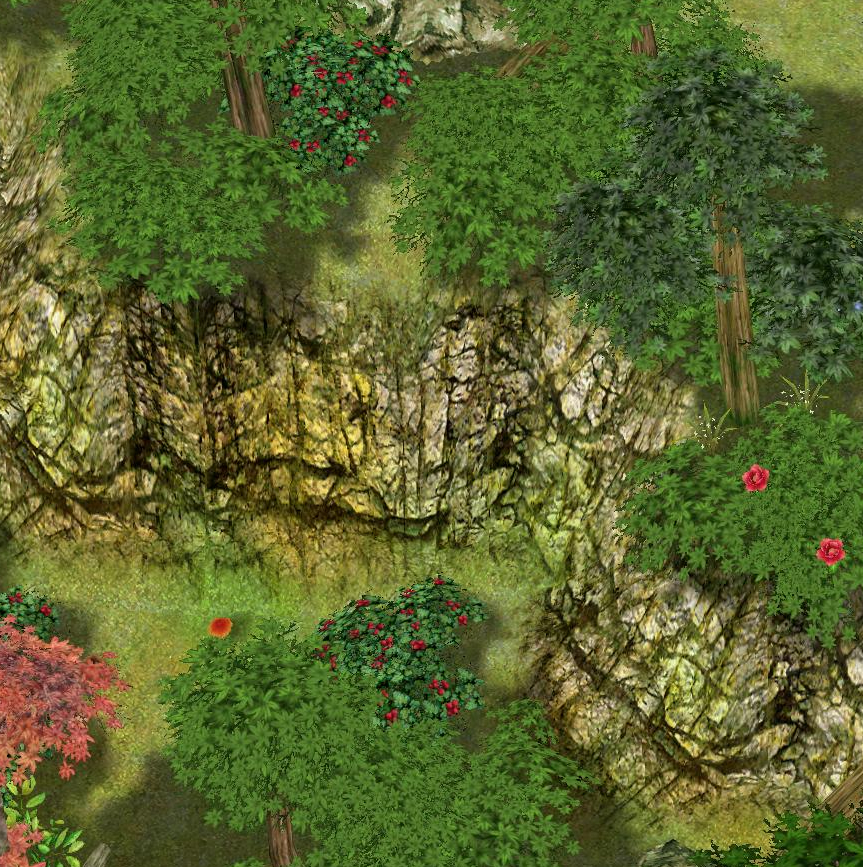
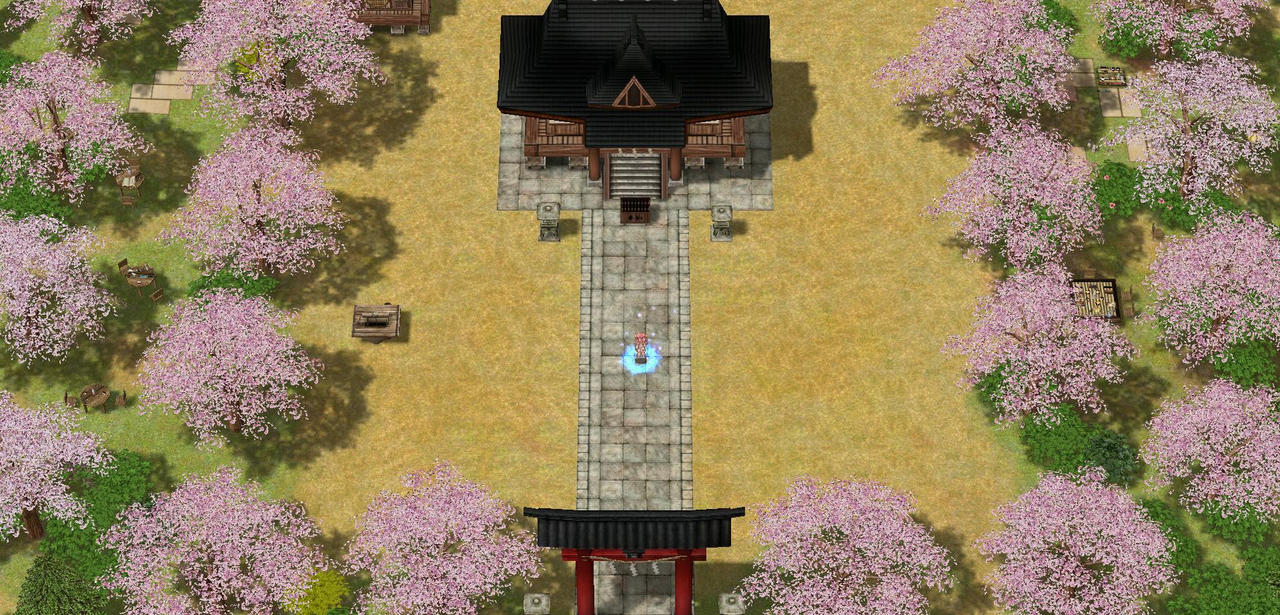
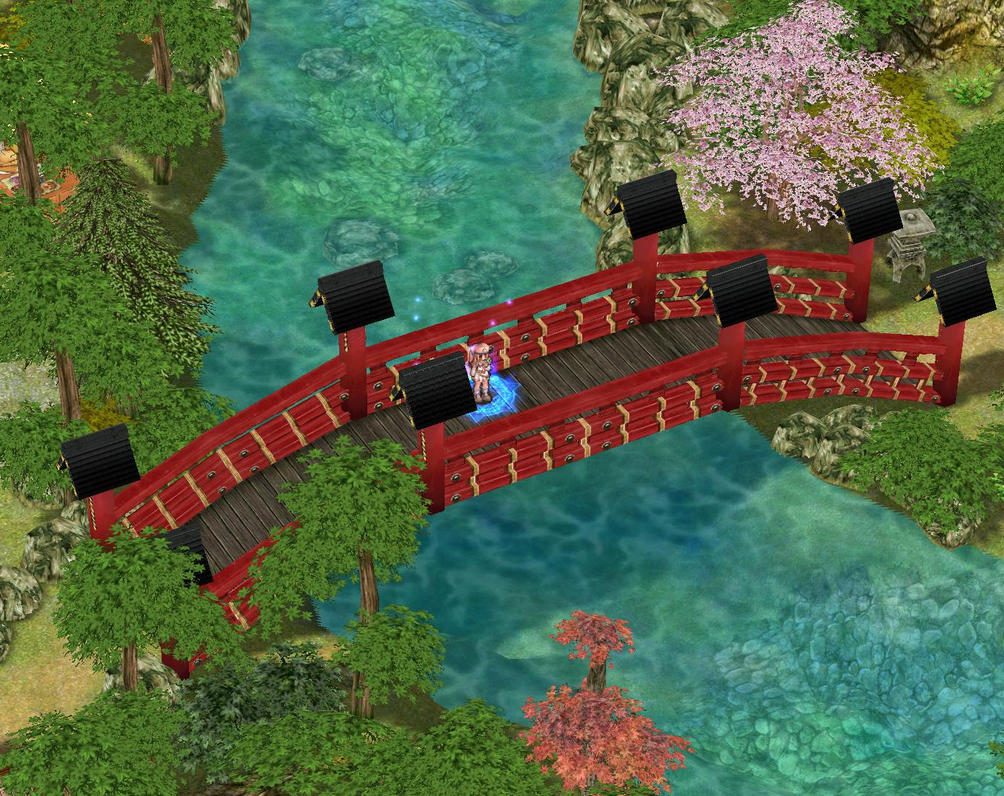
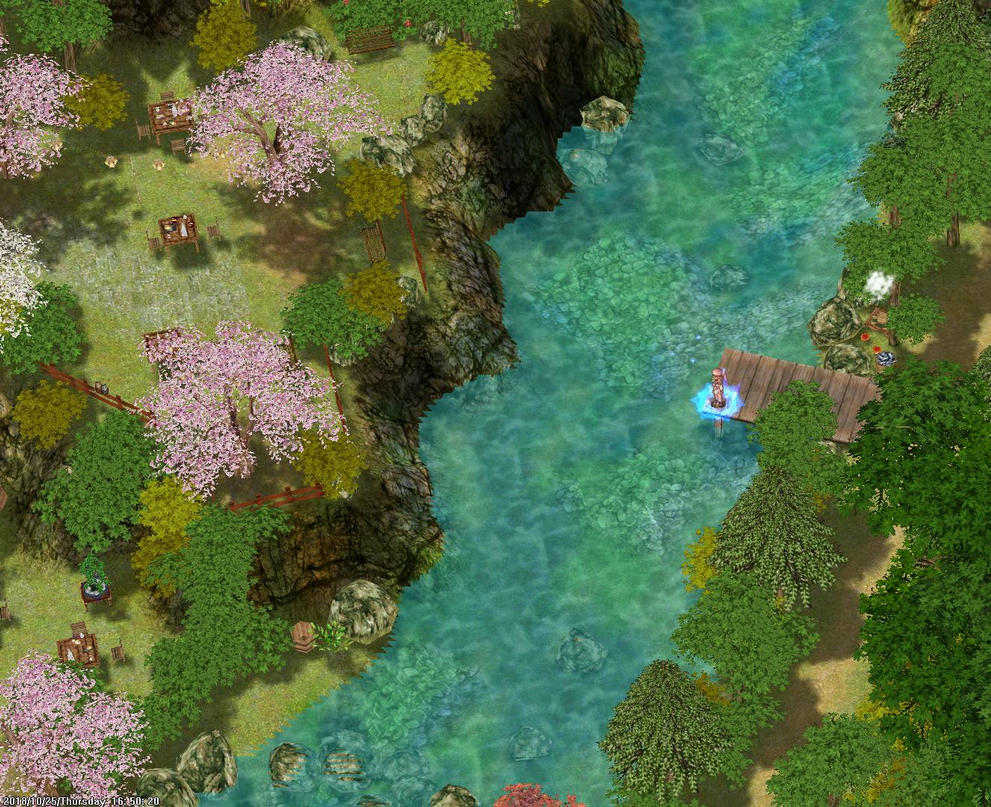
Any comment is appreciated, thank you! x3
[SOLVED] Known issues: For some reason, if you have certain NVidia Graphic Cards, using "Direct3D" option in the setup can cause glitched graphics on the map. This is a known issue in certian maps, but to fix it you can do the following:
[SOLVED] Known issues: For some reason, if you have certain NVidia Graphic Cards, using "Direct3D" option in the setup can cause glitched graphics on the map. This is a known issue in certian maps, but to fix it you can do the following:
View attachment 20788
1. Download Opensetup.exe and place it in your RO folder.
2. Delete Setup.exe.
3. In OpenSetup, choose your graphics card instead of the Direct3D options.
4. Just in case, save the same options as both "REG" and "LUA" (the lower left icons in OpenSetup).
5. Apply!
Last edited by a moderator: