Legendary
New member
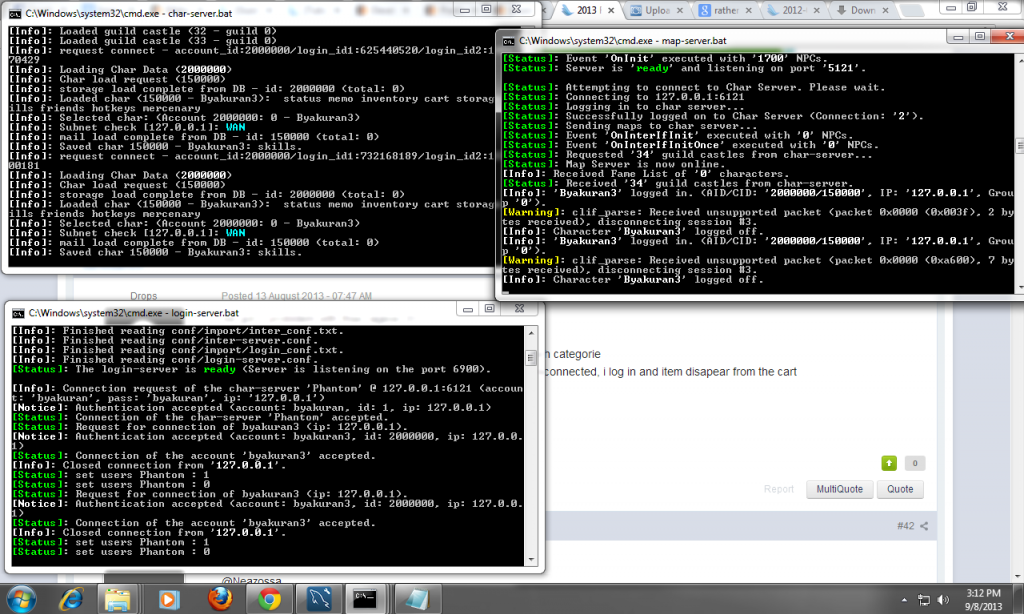
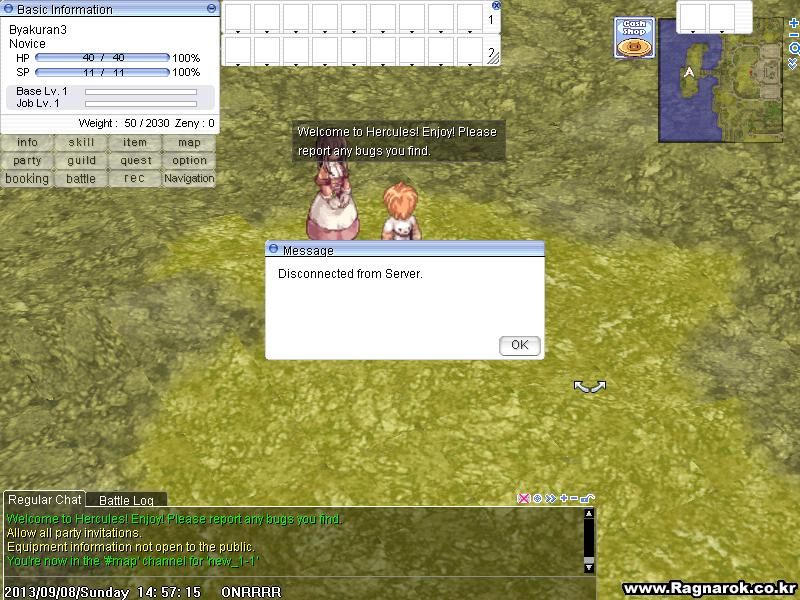
Help me Please
Last edited by a moderator:


Hello,Im using the Loki one sir
Sure http://herc.ws/board/topic/152-obtaining-hercules/ for the mmo and for the client http://www.mediafire.com/download/jcougk22po1coc9/Demo_Package.zipHello,Im using the Loki one sir
Loki is not Client it's Client Luncher.
i'm talking about the Client data the Ragexe date.
your problem here is maybe the date you wrote in mmo.h is wrong so server read wrong packet db.
can you attach from where you got your client and mmo.h file ?
thanks.
if you still have this problem make sure about your client date.15. Now let’s recompile your server, open Servertrunk right-click ‘rAthena-10.sln’ open with Microsoft Visual c++
16. Change the ‘debug’ into ‘release’ like the picture below.

17. Block (select) char-server.sql, login-server.sql, map-server.sql,
mapcache and then right click and choose ‘build selection’ like in the
picture below:

That's recompile? i already did that but at the end it shows problems herei mean do this step.
if you still have this problem make sure about your client date.15. Now let’s recompile your server, open Servertrunk right-click ‘rAthena-10.sln’ open with Microsoft Visual c++
16. Change the ‘debug’ into ‘release’ like the picture below.
17. Block (select) char-server.sql, login-server.sql, map-server.sql,
mapcache and then right click and choose ‘build selection’ like in the
picture below:
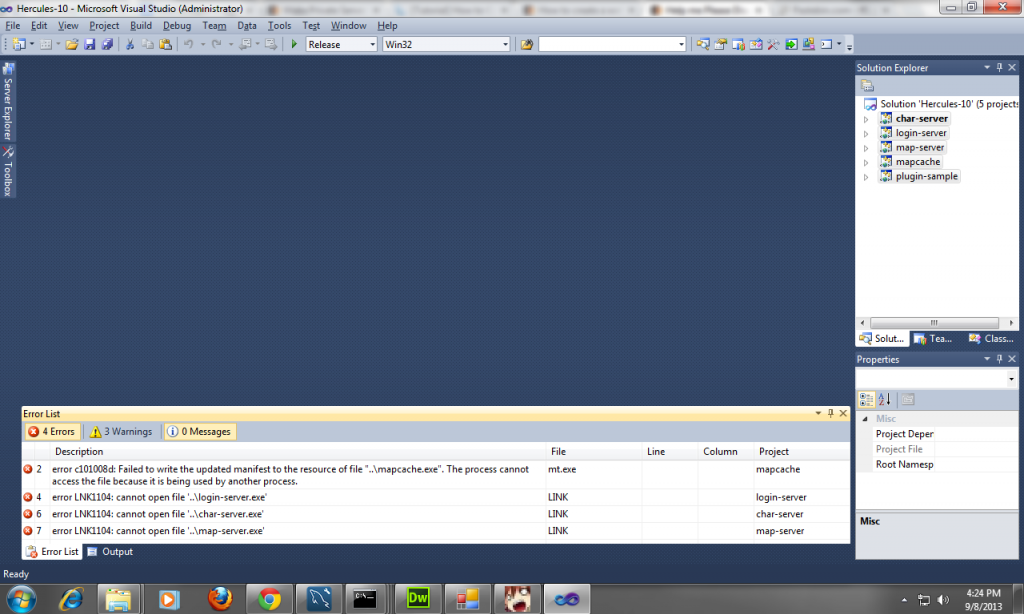
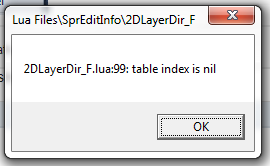
can you see me the errors in errors tap ?That's recompile? i already did that but at the end it shows problems herei mean do this step.
if you still have this problem make sure about your client date.15. Now let’s recompile your server, open Servertrunk right-click ‘rAthena-10.sln’ open with Microsoft Visual c++
16. Change the ‘debug’ into ‘release’ like the picture below.
17. Block (select) char-server.sql, login-server.sql, map-server.sql,
mapcache and then right click and choose ‘build selection’ like in the
picture below:
and after opening loki
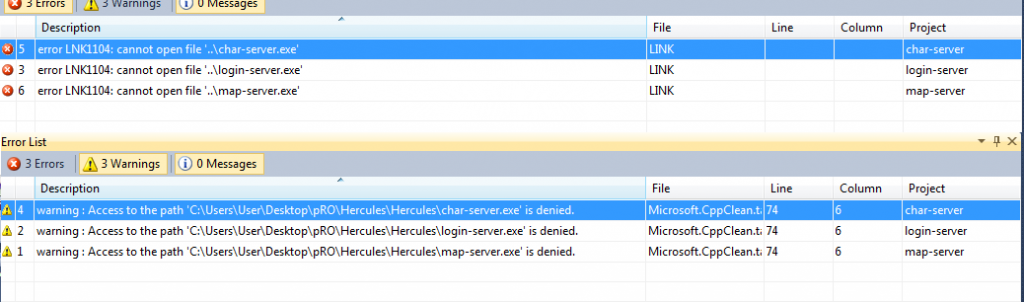
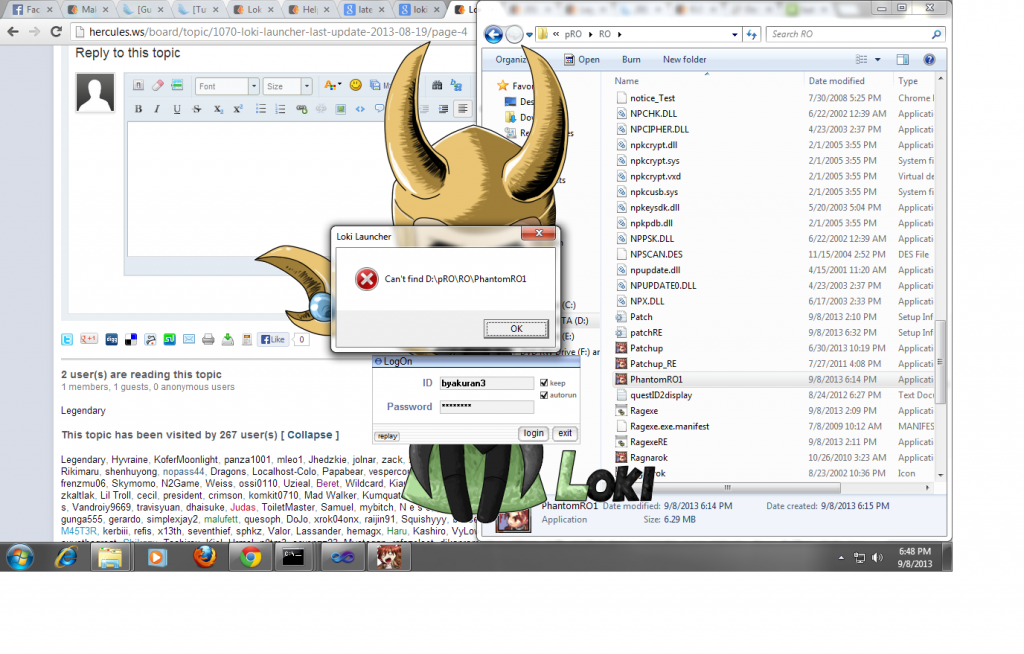

I think it's PhantomRO1.exe?okay um i might have found the problem its because the loki client im using uses its client the LocalRO (comes with the loki client after i downloaded) and if i change it here comes the problem
We use essential cookies to make this site work, and optional cookies to enhance your experience.
