
Louis T Steinhil
New member
- Messages
- 172
- Points
- 0
- Age
- 35
- Discord
- Louis T Steinhil#8600
- Emulator
- Hercules
any tutorial?


I just unlinked some unused forms (1 only) and edit replay.antivirus started to treat loki as virus or something :/ (kaspersky internet security)
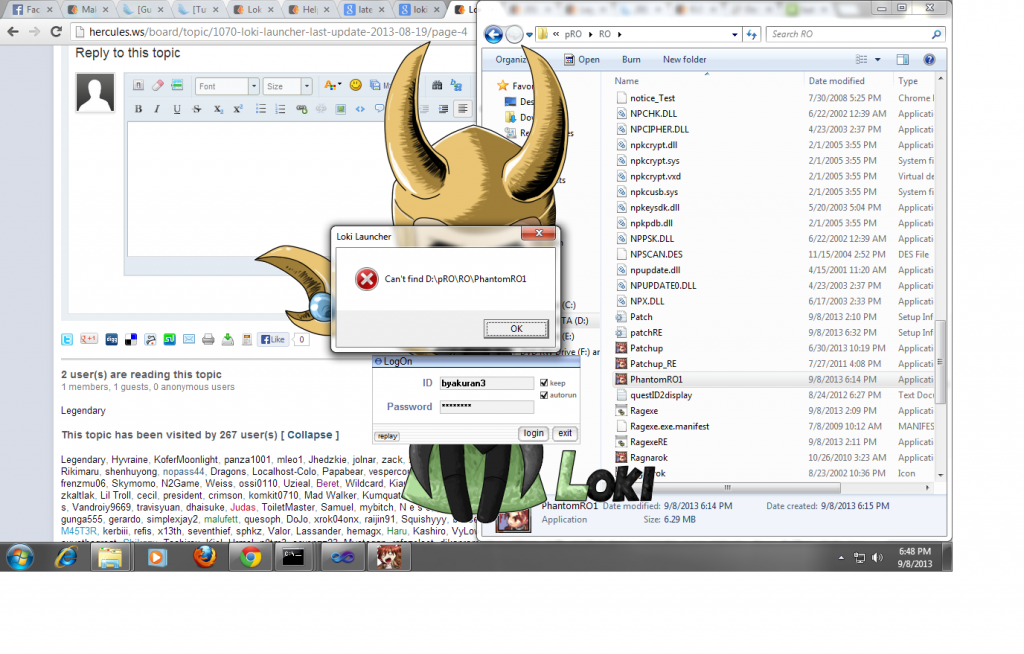
Edit settings.iniI have a small problem can't login because of this

click the exe, it will generate default confThe latest link doesn't have the necessary files to configure this. Which really makes it confusing.
what windows are you using? maybe your system config denies the launcher's function that checks if exe is running. dunno.If i close my Ro client the Luncher process still run at the task manager. If i start the luncher 5 times and close it. 5 times the luncher runs as process in the background.
What is the problem?
Unbenannt.png
check your system trayIf i close my Ro client the Luncher process still run at the task manager. If i start the luncher 5 times and close it. 5 times the luncher runs as process in the background.
What is the problem?
Unbenannt.png
Sorry dont know what you mean?check your system trayIf i close my Ro client the Luncher process still run at the task manager. If i start the luncher 5 times and close it. 5 times the luncher runs as process in the background.
What is the problem?
Unbenannt.png
I use Win 7 64bit. But all my player got this problem (around 50 atm) and they are using diffrent OS like XP, win7 and win8. What functions get blocked?click the exe, it will generate default confThe latest link doesn't have the necessary files to configure this. Which really makes it confusing.
what windows are you using? maybe your system config denies the launcher's function that checks if exe is running. dunno.>If i close my Ro client the Luncher process still run at the task manager. If i start the luncher 5 times and close it. 5 times the luncher runs as process in the background.
What is the problem?
Unbenannt.png
There is no icon at system tray. Not at running client and also not if i close it.^ System Tray Icon is located at the bottom right of your desktop/laptop, beside your system time.. you can see it running when you open/run loki.exe
Can you please screenshot it? How is the icon in tray? is it invisible and just adds, or nothing?I have win 7 64bit also and when running loki.exe a system tray icon appear hidden,.. this means if you close your client. loki launcher will appear again, you don't need to click it on shortcut..
here: Icon is available once you login, and it will disappear when logged outCan you please screenshot it? How is the icon in tray? is it invisible and just adds, or nothing?I have win 7 64bit also and when running loki.exe a system tray icon appear hidden,
We use essential cookies to make this site work, and optional cookies to enhance your experience.



