
Installing GIT on Windows
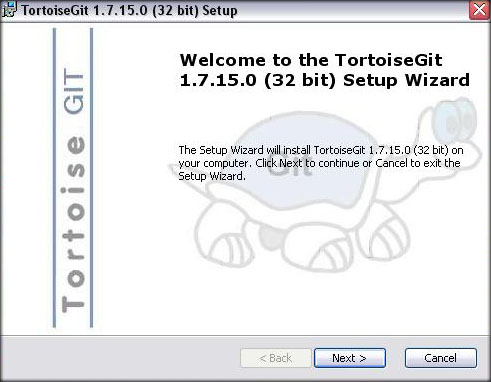
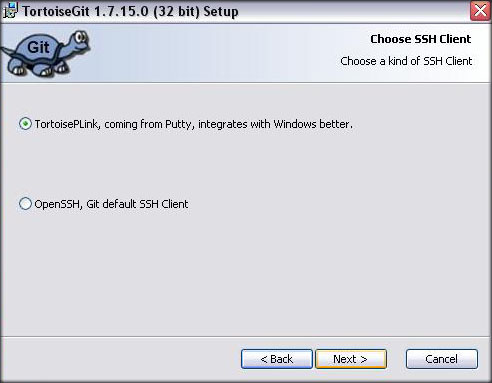
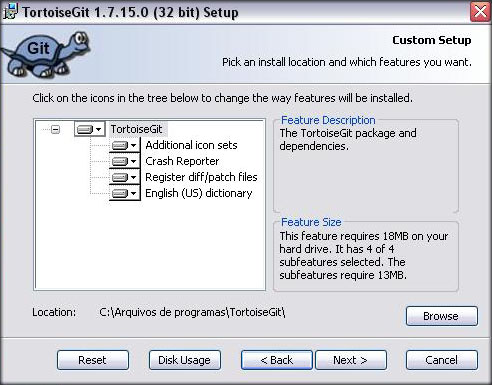
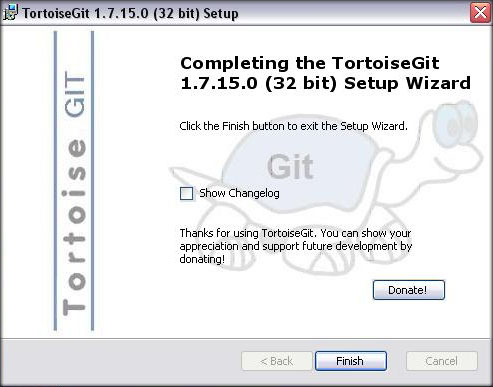
DownloadsInstallationAlright, first go through MSysGit installer and just set it up (its used as a base for TortoiseGit). then once you install MSysGit, launch the installer you just downloaded for TortoiseGit, you'll be prompted by a window similar to the following
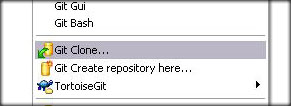
Go to the folder where you want Hercules to be placed, right click and select "Git Clone..."
Code:
[URL="https://github.com/HerculesWS/Hercules.git"]https://github.com/HerculesWS/Hercules.git[/URL]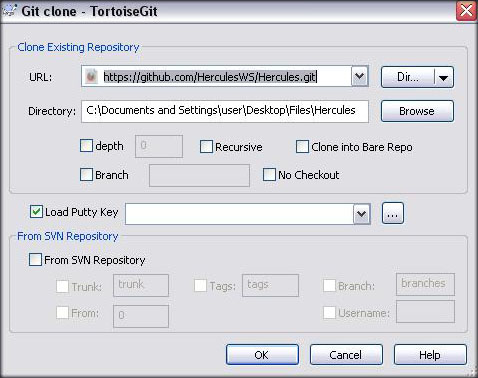
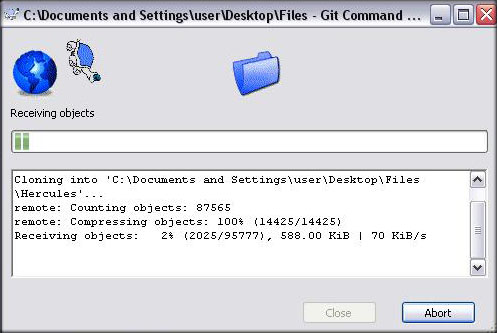
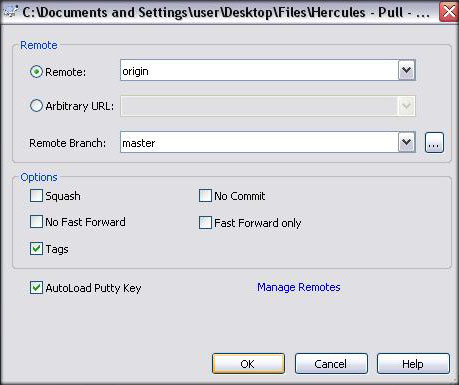
Updating Hercules
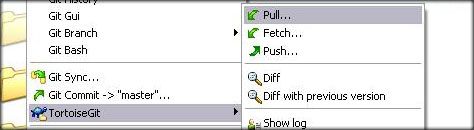
Right-Click the folder where you downloaded your working copy and within the TortoiseGit menu, select "Pull..." as shown below
Last edited by a moderator:
