
callyyprain
New member
Using 20140205. No modification to texture or any custom stuff.
Tried old prontera+Izl (for renewal newbie map) + dastgir/zack translatio, same resulting black dot in random map? Sometimes broken tiles/split walls.
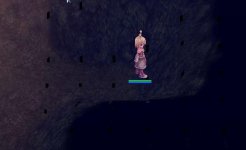
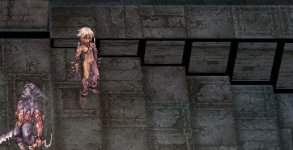
Tried old prontera+Izl (for renewal newbie map) + dastgir/zack translatio, same resulting black dot in random map? Sometimes broken tiles/split walls.


