

Cabrera
New member
Hello everyone, I present to you a modified tip box which has been completely translated to English.
Tested on: 2018-04-04c RagexeRE and worked like a charm.
In your System folder in Client side, replace your tipbox.lub with my translated tipbox i have attached below:
View attachment tipbox.lub
Then, Patch your client with whatever settings you want and then open the patched client in hexeditor ( I used XV132 for this)
IMPORTANT NOTE : Make sure you hex a "patched" client. DO NOT do it on an unpatched client or else NEMO will show errors for random "recommended patches" that you select while patching it.
Find the following and replace with hex for english translation :
for checkbox: BD C3 C0 DB C7 D2 20 B6 A7 20 BF AD B1 E2
English translation: 53 61 76 65 20 54 69 70 3F 20 20 20 20 20
for close button : B4 DD B1 E2
English translation : 44 6F 6E 65
(korean translation of close has only 4 strings so I had to replace it with "Done" to match the string size -_-)
OR go to your NEMO folder/patches/TranslateClient.txt and add this at the end of it then patch your clients: (Thanks to @Asheraf for telling me about this xD)
M: Translate Tip box
------------------------------
F: BD C3 C0 DB C7 D2 20 B6 A7 20 BF AD B1 E2
R: 'Save Tip?'
F: B4 DD B1 E2
R: 'Done'
if you did everything as said, this will be your result :
Old tip box:
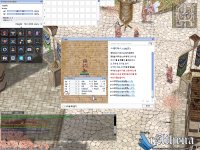
New translated tipbox:
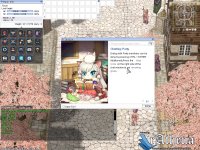
-- On a funny Note, I had no clue what the korean translation for the Check box was LOL so I just randomly translated it to "Save tip?" instead cuz it was a logical solution LMAO
Tested on: 2018-04-04c RagexeRE and worked like a charm.
In your System folder in Client side, replace your tipbox.lub with my translated tipbox i have attached below:
View attachment tipbox.lub
Then, Patch your client with whatever settings you want and then open the patched client in hexeditor ( I used XV132 for this)
IMPORTANT NOTE : Make sure you hex a "patched" client. DO NOT do it on an unpatched client or else NEMO will show errors for random "recommended patches" that you select while patching it.
Find the following and replace with hex for english translation :
for checkbox: BD C3 C0 DB C7 D2 20 B6 A7 20 BF AD B1 E2
English translation: 53 61 76 65 20 54 69 70 3F 20 20 20 20 20
for close button : B4 DD B1 E2
English translation : 44 6F 6E 65
(korean translation of close has only 4 strings so I had to replace it with "Done" to match the string size -_-)
OR go to your NEMO folder/patches/TranslateClient.txt and add this at the end of it then patch your clients: (Thanks to @Asheraf for telling me about this xD)
M: Translate Tip box
------------------------------
F: BD C3 C0 DB C7 D2 20 B6 A7 20 BF AD B1 E2
R: 'Save Tip?'
F: B4 DD B1 E2
R: 'Done'
if you did everything as said, this will be your result :
Old tip box:
New translated tipbox:
-- On a funny Note, I had no clue what the korean translation for the Check box was LOL so I just randomly translated it to "Save tip?" instead cuz it was a logical solution LMAO
Last edited by a moderator:

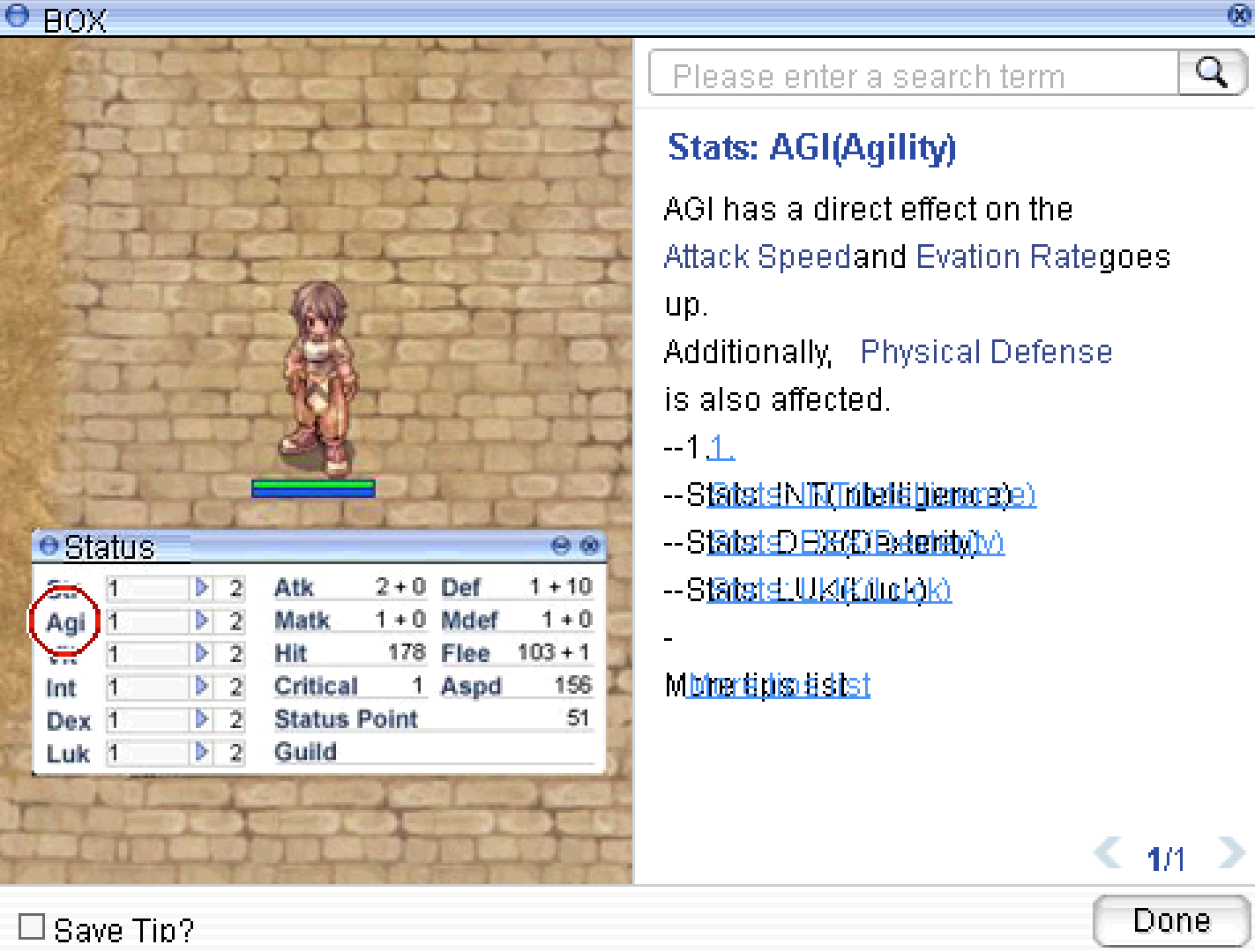
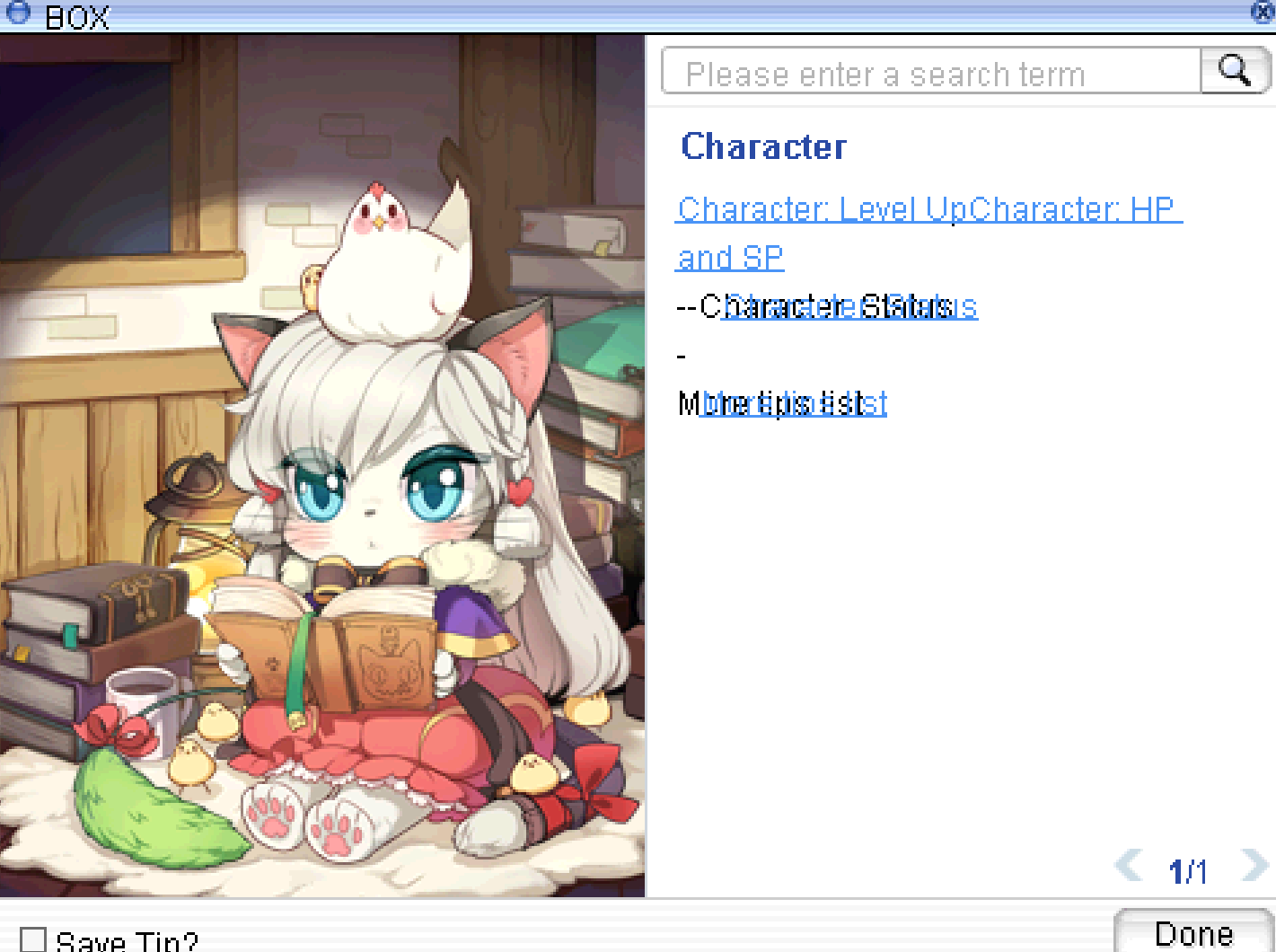

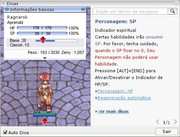

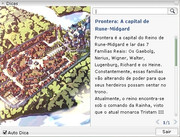
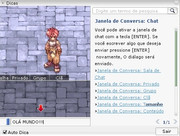
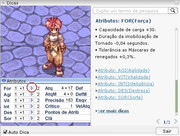
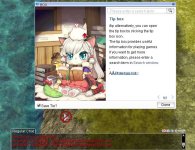
 and how did you manage to make the text and the link overlap each other, because the link is a little bit on the right of the text. Can you please teach us on how did you do it? thanks!