roBrowser - Ragnarok Online for Web Browsers

KeyWorld

New member
Messages
95
Points
0
Age
36
Location
Paris, France
Github
vthibault
logo.png
 
Seems like I didn't write a post here about this project, it's time to do it.
I'm here to introduce roBrowser, an open source project that try to port Ragnarok Online in the browser using web technologies (javascript, HTML5, WebGL).
 
As it's running in a web browser, roBrowser isn't OS dependent and run fine on Linux, Macintosh and Windows. It's also running on some smartphone and tablets but it depend if the system support webgl and I have to admit, it has bad control (not optimize for touch control).
 
It can also be run as a Chrome App, I personally use it to have a nice icon on my desktop.
From now, I tested it (and it's working) on Chrome, Firefox, Safari and Opera. It will work in future on IE11 when they will fix their rendering engine.
 
roBrowser is not a different game as Gravity built (Ragnarok Zero, Ragnarok Violet, ...), this project is intended to be another client for RO1, to connect on private servers.



Get the source
(Thanks to report all bugs)

If you like roBrowser, you can help me improving it or
even thinking about doing a donation ?


Screenshots
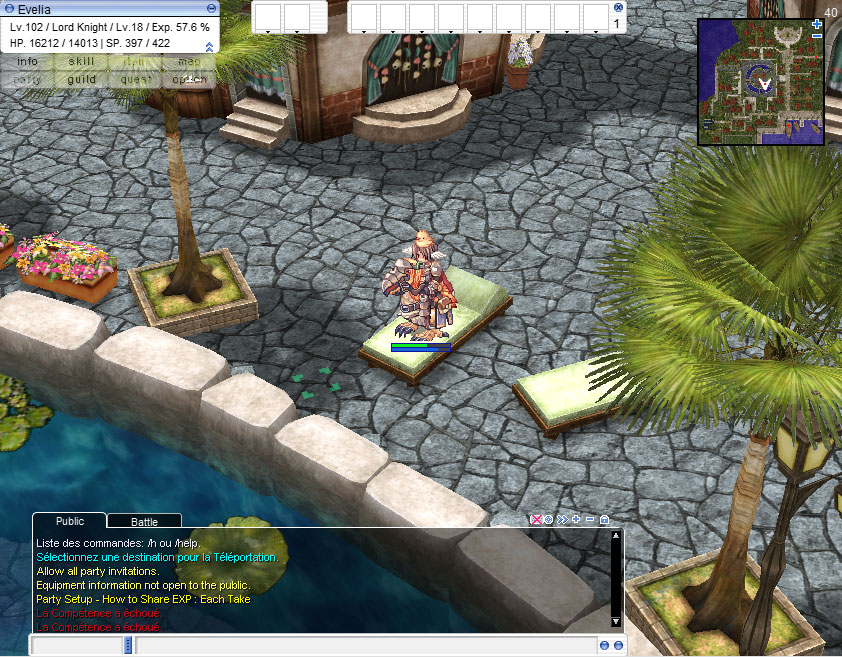
malaya.jpg
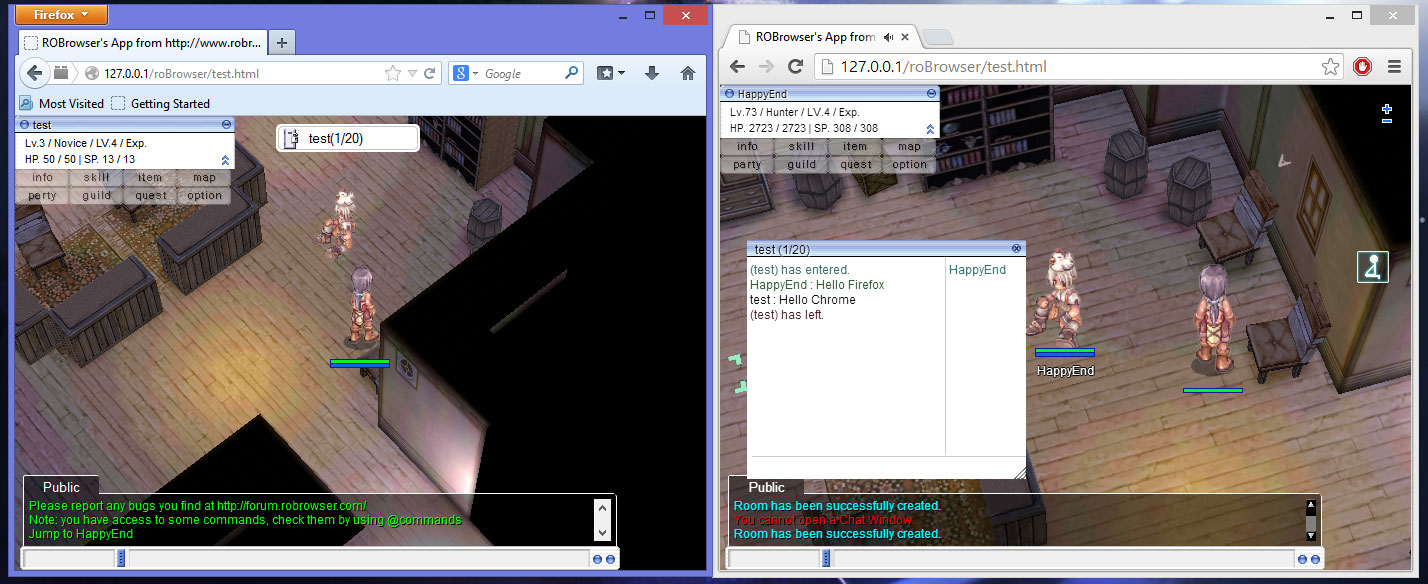
chatroom.jpg
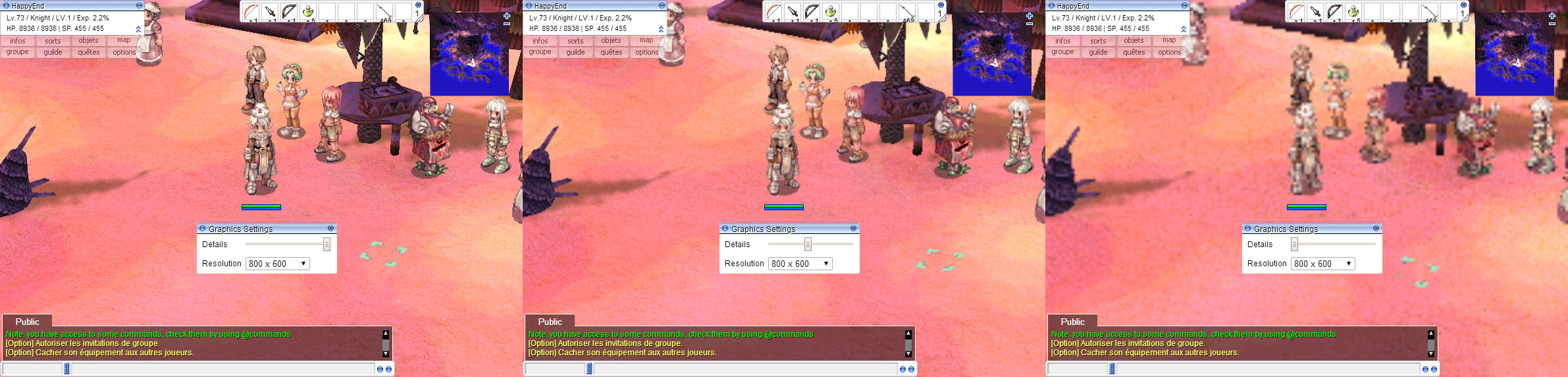
quality.jpg
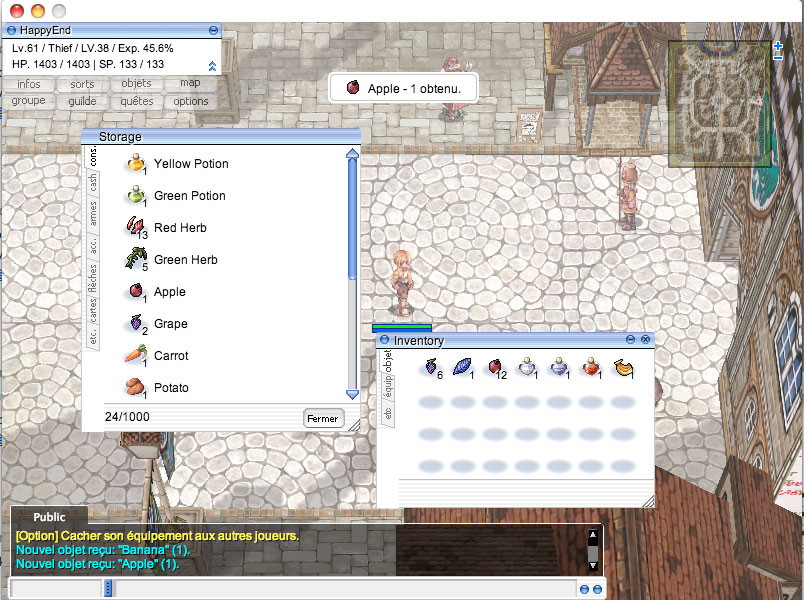
storage.jpg
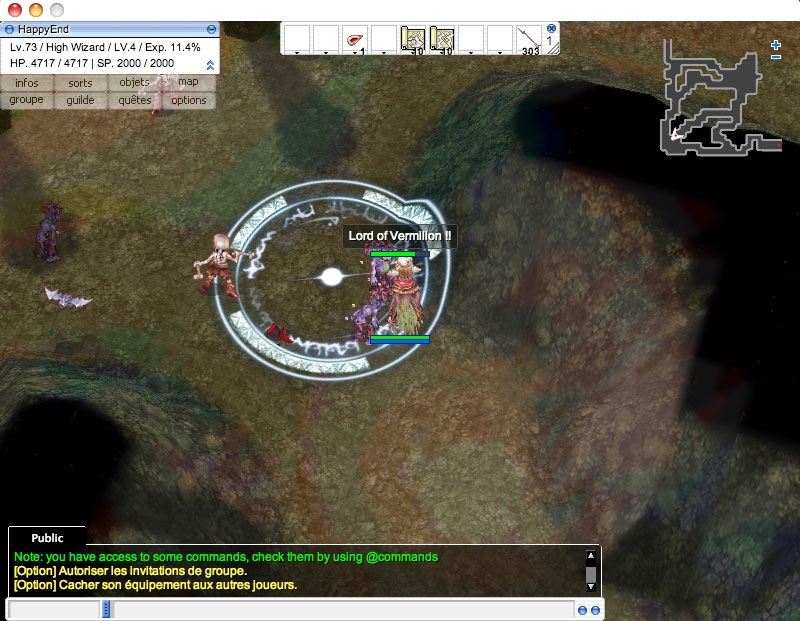
magiccast.jpg

The project is still on going, currently missing a lot of features to match the official client (trade ui, npc buy/sell, ...), but I'm working on it.

Some usefulls links :

Source code
[*]Installation guide
[*]WebSite
[*]API Guide
[*]Forum
[*]Demo (Yep there is even a demo if you want to try it).

 
Last edited by a moderator:
just tested and got no words to describe its awesomeness 

 
just got a bit of lag, is that because my internet or the server itself?

 
Thank you guys
default_smile.png


@evilpunker

The server is hosted in France, I can only have european IP, so it should be the distance :/

 
@bgamerz23

It's the JAVA fallback for socket support.

Some solutions :

  1. You can run robrowser as a chrome app, and so it will have native socket support.
  2. You have to install the websocket proxy (url in the readme) to do not rely on java.
  3. Reduce the security level of java applet (in java settings), but all players have to do the same
  4. Pay Oracle to remove this fucking popup (I prefer personally to boycott them).

The point 2 is the best thing to do in my opinion.

 
Can we use this as a public server like the current emulator we have now?

 
Can you specify ? I failed to understand.

roBrowser is a client not a server, so you'll need a server to connect on (Hercules, rathena, eathena, ...).

 
Do I need to unpack data.grf? and place the unpacked file in ../client/data/ ? or ? >.<
As you want, the remote client can read files from GRF (and cache them in the data folder to be faster the next time).

It just can't read encryption in the GRF.

 
@quesoph

Follow the remote client installation guide line by line : https://github.com/vthibault/roBrowser/blob/master/client/readme.md

Known problems people experienced before:

  • They forgot to configure the .htaccess
  • data.ini file is case sensitive.
  • Apache do not read their .htaccess files
  • They do not properly repack their GRFs to remove DES encryption in files.
  • They use Client::$AutoExtract set to true but do not have write access.
  • They forget to remove the debug mode (only here to help installing it, once done it has to be removed).

So for now, set the debug mode to true, and try to see where the problem can be.

 
AW ^ It looks like i experienced all the problem above, thanks KeyWorld for fixing it
default_smile.png


ah i see roBrowser is like. Software-free. so people do not need install RO in ur pc. but you can browser ingame.. correct? 

 
Back
Top