

Ridley
Community Administrator
- Messages
- 1,157
- Points
- 0
- Age
- 38
- Location
- Germany
- Discord
- Ridley#5102
- IRC Nickname
- Ridley
- Github
- ridley8819
- Emulator
- Client Version
- 2019-03-22
As requested here
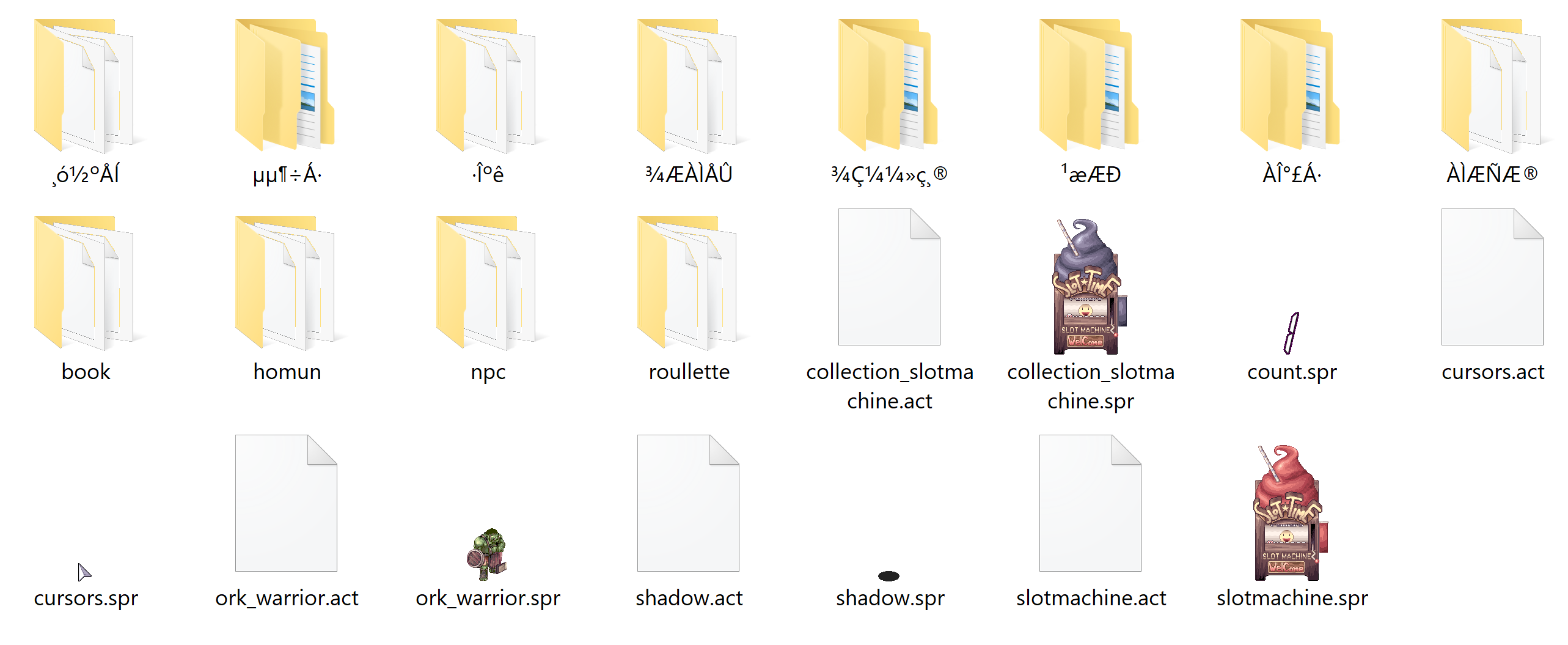
WeeThumbnail.dll is part of the WeeTools and allows Windows to preview a .spr file. Original Author is Shinryo @rAthena
In order to make it work in Windows 10 you need to register the .dll
[*]Now in CMD Run the following command
regsvr32 "C:\Windows\System32\WeeThumbnail.dll"
This is how it should look like:

Afterwards a PopUp from RegSvr32 appears, saying the .dll was installed successfully.
Now Restart your system and Windows should preview .spr files
Troubleshooting:
Error 0x80070005 means you didn't run CMD as admin.
WeeThumbnail.dll is part of the WeeTools and allows Windows to preview a .spr file. Original Author is Shinryo @rAthena
In order to make it work in Windows 10 you need to register the .dll
- Download x86 or x64 based on your OS
- Copy the .dll to your windows/system32 folder
- Click the Windows/Start button in the lower left corner
- Type CMD - then right click it and select "Run as Administrator"
Note: If you run it through Win+R you need to confirm with Ctrl+Shift+Enter to run it as administrator
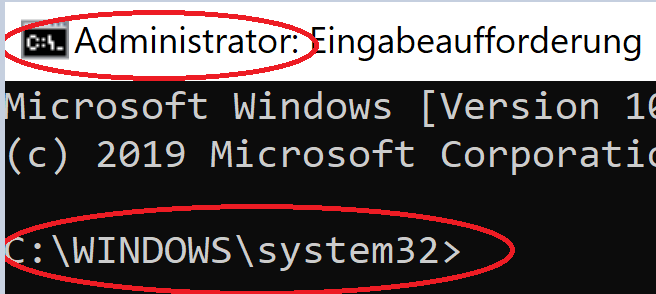
[*]Now in CMD Run the following command
regsvr32 "C:\Windows\System32\WeeThumbnail.dll"
This is how it should look like:
Afterwards a PopUp from RegSvr32 appears, saying the .dll was installed successfully.
Now Restart your system and Windows should preview .spr files
Troubleshooting:
Error 0x80070005 means you didn't run CMD as admin.
Last edited by a moderator: